
On this page
Streaming server glossary: over 40 live video terms, defined plainly
Short, practical definitions, each with the number or rule that matters when you build or buy. Terms link to deeper articles where we have one. For how they fit together, start with the streaming server guide.
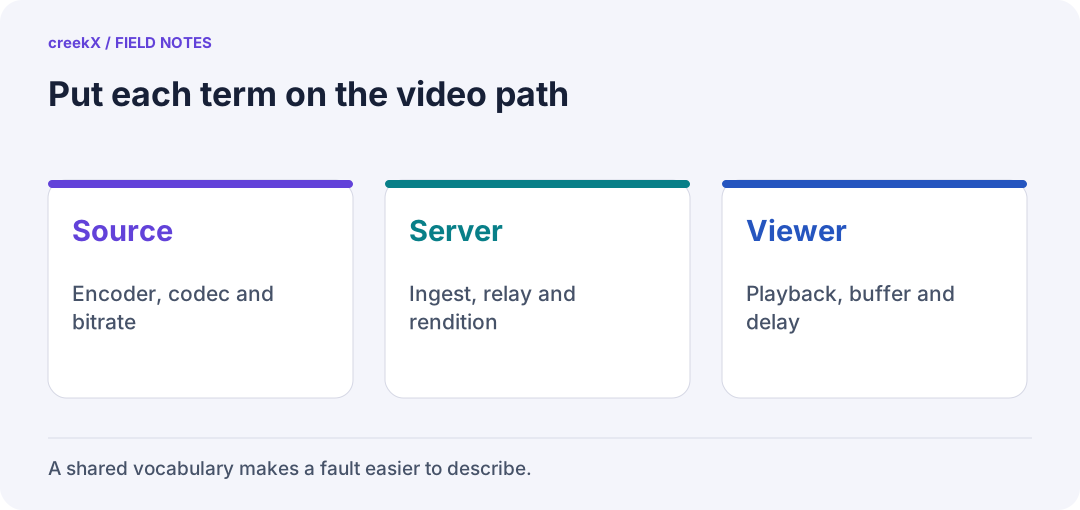
- SourceEncoder, codec and bitrate
- ServerIngest, relay and rendition
- ViewerPlayback, buffer and delay
A–C
- AAC
- The usual audio codec from encoders and in HLS. WebRTC uses Opus instead, so servers convert between them.
- ABR (adaptive bitrate)
- Several qualities of one stream, so the player switches to what the connection can carry. Costs transcoding: about 0.6 of a core per live for three qualities on creekX's test server. More.
- AV1
- A royalty-free video codec that compresses better than H.264; creekX measured AV1 library copies 25–30% smaller at equal quality. Slower to encode.
- B-frame
- A frame predicted from both earlier and later frames. Saves bits, adds delay; turn off for real-time.
- Bitrate
- Data per second of video, e.g. 5 Mbit/s for 1080p. Sets bandwidth and disk use.
- CDN (content delivery network)
- Caching servers worldwide that deliver HLS segments from near the viewer. Versus a streaming server.
- Codec
- The compression method: H.264, H.265, AV1 for video; AAC, Opus for audio.
- Container
- The wrapper around compressed frames: FLV (RTMP), MPEG-TS, fMP4.
- Contribution
- The link from the source to the server (as opposed to distribution to viewers). SRT is the usual choice over the internet.
D–H
- DASH
- MPEG's segment-based delivery protocol, similar to HLS; not native on Apple devices.
- Egress
- Data leaving the server: concurrent viewers × bitrate. Usually the largest cost of streaming. Cost worked through.
- Encoder
- Software (OBS, FFmpeg) or hardware that compresses video and sends it to the server.
- fMP4 / CMAF
- Fragmented MP4, the modern segment format shared by HLS and DASH.
- Frame rate
- Frames per second. Store it as a fraction (30000/1001), never a float, or long streams drift.
- Glass-to-glass latency
- Delay from camera lens to viewer's screen. Per-step breakdown.
- GOP (group of pictures)
- The frames from one keyframe to the next. 1–2 seconds for live.
- H.264 (AVC)
- The video codec every device plays. The safe default.
- H.265 (HEVC)
- Better compression than H.264, but not playable in every browser. Common on IP cameras.
- HLS
- HTTP Live Streaming: segments and playlists over HTTPS. Plays everywhere, caches on CDNs, 6–30 s by default.
I–O
- Ingest
- Receiving a stream into the server, with authentication.
- Keyframe (I-frame)
- A complete picture players can start from. Segments must begin on one; set an interval of 1–2 s.
- LL-HLS (low-latency HLS)
- HLS with partial segments; 1–5 s. creekX measured 1.23–1.28 s median. More.
- MPEG-TS
- A broadcast container, used in older HLS and sent raw over UDP by broadcast gear.
- NAT
- Address translation in routers; the reason WebRTC sometimes needs TURN. More.
- ONVIF
- The standard for discovering and controlling IP cameras (stream address, PTZ).
- Opus
- The audio codec WebRTC uses.
- Origin
- The server a CDN fetches from; usually your streaming server.
P–S
- Passthrough
- Forwarding a stream without re-encoding. 49 recorded 1080p lives used 13% of a 4-core server.
- Playout
- Playing a schedule of recorded videos as a continuous 24/7 channel.
- PTZ
- Pan, tilt, zoom: remotely moved cameras.
- Restreaming
- Sending a copy of a live stream to YouTube, Facebook or Twitch. More.
- RTMP / RTMPS
- The universal encoder-to-server protocol over TCP (port 1935); RTMPS adds TLS.
- RTSP
- The IP camera streaming protocol; pulled by the server.
- Segment
- One short file of an HLS stream, typically 2–6 s.
- SRT
- Secure Reliable Transport: UDP with retransmission and encryption, for contribution over bad networks. More.
- Stream key
- The secret that lets a source publish. Never log it or put it in a page.
T–Z
- Transcoding
- Decoding and re-encoding video; the expensive part of a streaming server. More.
- Transmuxing
- Changing the container without re-encoding. Nearly free.
- TURN
- A relay that carries WebRTC media when a direct path is blocked, usually over TCP/TLS 443.
- VMAF
- A score for perceived video quality, used to compare codecs at equal quality.
- WebRTC
- Real-time media in browsers; the only sub-second delivery to an ordinary web page. creekX measured 0.49 s median.
- WHIP
- WebRTC-HTTP Ingestion Protocol: publish WebRTC with one HTTP request. More.
- WHEP
- WebRTC-HTTP Egress Protocol: play WebRTC with one HTTP request.
Protocols compared in one table: streaming protocols explained. Words from the docs: FAQ.
Try it. creekX Media Server installs on Ubuntu 24.04 with one command and is free for 14 days: install it, or start with the quick start.
Implementation check
Use precise terms in a bug report
You need: One reproducible problem and a source/receiver path you can identify.
- Write the ingest protocol, video/audio codecs, container and delivery method as separate fields.
- State whether the failure is connection, first frame, continued playback, sound or recovery.
- Attach the installed version and a safe observation, then link the matching troubleshooting section.
Pass when: The next developer can reproduce the same stage without interpreting overloaded words such as latency or stream.
If it fails: Do not use a file extension as the codec name or an API health response as evidence of successful playback.
Frequently asked questions
What is egress in streaming?
Data leaving the server to viewers: concurrent viewers times bitrate. 500 viewers at 5 Mbit/s need 2.5 Gbit/s.
What is a keyframe interval?
The time between complete pictures in the stream. For live video use 1-2 seconds: HLS segments must start on one, and players can only join on one.
Put the terms to work
- VOD: meaning, workflow and playback checks — Turn a saved recording into something viewers can watch later.
- MKV vs MP4: container and codec choices — Understand why changing the file extension does not change its tracks.
- A practical codec compatibility check — Inspect a file and test the browsers your audience uses.