
On this page
Streaming server ports and firewall rules
Most "the stream will not connect" tickets are a closed port. A streaming server listens on a different port for each protocol, some of them UDP, and cloud providers block everything by default. Here is the complete list for creekX, why each port exists, and the rules to open them.
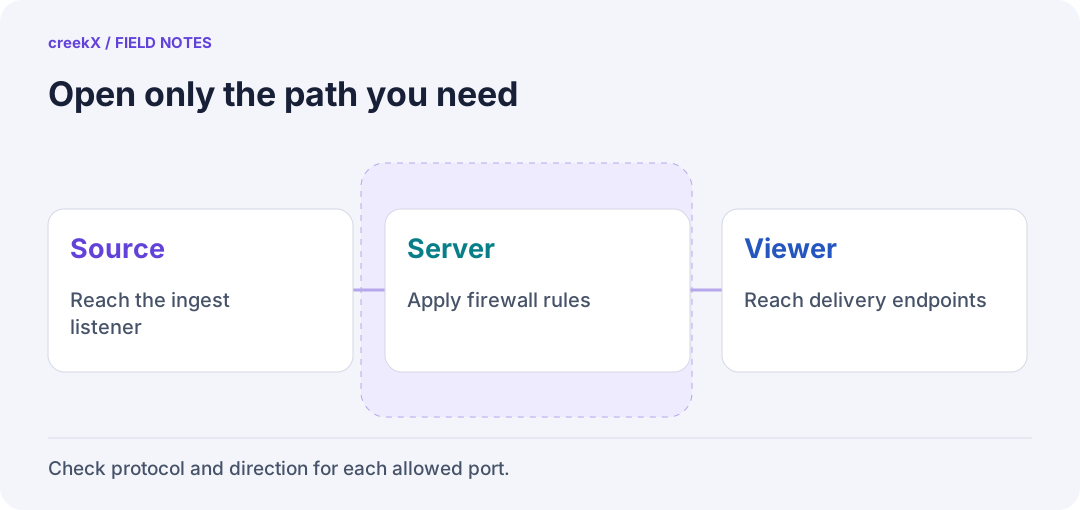
- SourceReach the ingest listener
- ServerApply firewall rules
- ViewerReach delivery endpoints
The ports
| Port | Protocol | For | Open it if |
|---|---|---|---|
| 80, 443 | TCP | The app, HLS and LL-HLS watching, WHIP/WHEP signalling, certificates | Always |
| 1935 | TCP | RTMP from OBS and encoders | Anyone sends RTMP |
| 1936 | TCP | RTMPS (encrypted RTMP), needs a domain | Encoders send over the internet |
| 8554 | TCP | RTSP from cameras and encoders that push | A device pushes RTSP |
| 8890 | UDP | SRT | Anyone sends SRT |
| 8189 | UDP and TCP | WebRTC media: going live from a browser, real-time watching | Always, for WebRTC |
| 9100–9199 | UDP | MPEG-TS over UDP from broadcast encoders | You use MPEG-TS/UDP |
The same list is in the install guide's ports to open. Other servers use other numbers (RTSP is conventionally 554, SRT has no fixed port, WebRTC servers often use a UDP range), but the shape is the same: one web port pair, one port per ingest protocol, and UDP for real-time media.
Why WebRTC needs UDP, and a TCP fallback
WebRTC's signalling (the WHIP or WHEP request) is ordinary https on 443. The media itself flows separately, normally as UDP to port 8189, because retransmitting late video over TCP defeats the point of sub-second delay. Some corporate and hotel networks block outgoing UDP, so the server also accepts the media over TCP on the same port. If even that is blocked, you need a TURN relay on 443: TURN for WebRTC behind NAT.
A local install listens for WebRTC on every interface, not only 127.0.0.1: a browser that has camera access never sends WebRTC over loopback. Do not "tighten" that.
Outgoing connections
Firewalls filter outgoing traffic too, and a streaming server makes outgoing connections:
- IP cameras are usually pulled: the server connects to each camera on RTSP (often TCP 554) and ONVIF (HTTP, often 80). The server needs a route to the camera network.
- Restreaming to YouTube, Facebook or Twitch goes out on RTMP (1935) or RTMPS (443).
- Certificates from Let's Encrypt need outgoing https and incoming port 80 for the challenge.
Rules to paste
ufw on Ubuntu
sudo ufw allow 80,443/tcp
sudo ufw allow 1935/tcp
sudo ufw allow 1936/tcp
sudo ufw allow 8554/tcp
sudo ufw allow 8890/udp
sudo ufw allow 8189
sudo ufw allow 9100:9199/udp
sudo ufw enable
allow 8189 without a protocol opens both TCP and UDP. Drop the lines for
protocols you do not use: every open port is one more thing listening to the internet.
Keep SSH (22/tcp) open before you enable ufw on a remote machine.
Cloud security groups
AWS security groups, Azure network security groups, Google Cloud firewall rules and most
VPS panels sit in front of the machine, so ufw alone is not enough. Add the same rules
there, as inbound rules from 0.0.0.0/0 (and ::/0 for IPv6), or
narrow the ingest ports to your encoders' addresses when you know them.
Check a port from outside
# TCP: does anything answer?
nc -vz live.example.com 1935

# On the server: what is listening?
sudo ss -lntup | grep -E '1935|1936|8554|8890|8189'
UDP cannot be checked with a simple connect. The honest test is to send a real SRT stream from outside (OBS or FFmpeg) and watch it arrive. If TCP ports answer but SRT or WebRTC does not, a UDP rule is missing.
Lock it down
- Open ingest ports only to the addresses that send, when they are fixed.
- Use RTMPS and SRT passphrases over the internet; plain RTMP sends the stream key in clear text.
- Keep the admin app behind sign-in and single sign-on; it is on 443 with everything else.
Still stuck after the ports are open? Work through streaming server troubleshooting. The bigger picture of protocols and security is in the streaming server guide.
Try it. creekX Media Server installs on Ubuntu 24.04 with one command and is free for 14 days: install it, or start with the quick start.
Implementation check
Verify the permitted path from outside
You need: An approved firewall change window, retained SSH access and a disposable stream.
- Check the installed listener configuration and open only the required source and viewer paths.
- Test from the actual publishing/viewing network. HTTPS working is separate from the media transport succeeding.
- Confirm unused control/database ports remain private and keep a rollback for each firewall change.
Pass when: Required traffic works through both host and provider firewalls while unnecessary ports stay closed.
If it fails: A TCP connection test cannot verify a UDP media path. Test actual video rather than treating an open-port scan as acceptance.
Frequently asked questions
What port does RTMP use?
TCP 1935 by convention; RTMPS (encrypted) on creekX uses TCP 1936.
Why does WebRTC need UDP?
Its media is sent as UDP so late packets are dropped rather than retransmitted. creekX also accepts WebRTC media over TCP on port 8189, and a TURN relay on 443 covers networks that block both.