
On this page
MKV vs MP4: record safely, then deliver the right file
MKV and MP4 are containers: they hold encoded video, audio and metadata. Neither extension guarantees better picture quality or a smaller file. Choose recording resilience first, then check which container and codecs your editor, server and viewers can use.
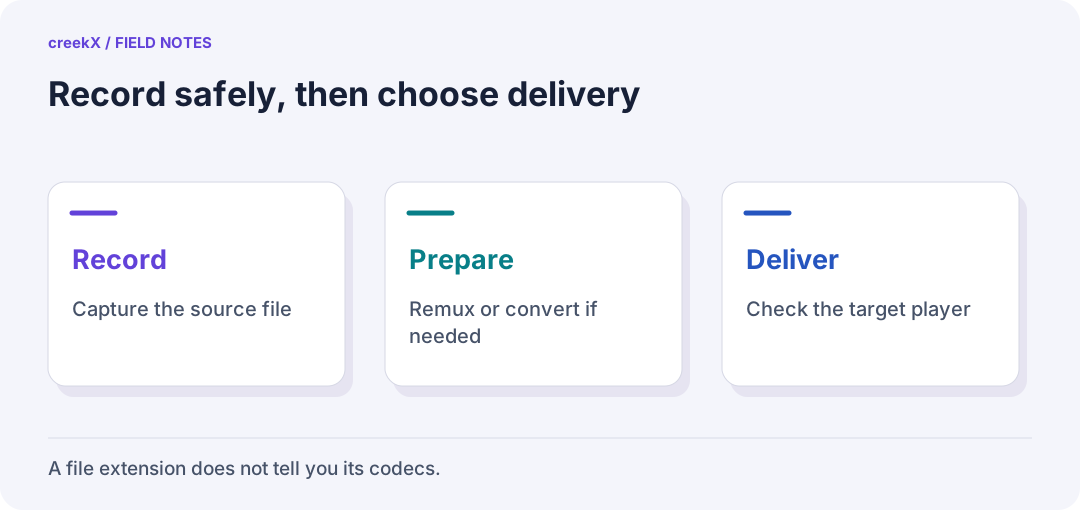
- RecordCapture the source file
- PrepareRemux or convert if needed
- DeliverCheck the target player
The label on the file does not tell the whole story
Two MP4 files can contain different video codecs, audio codecs, profiles and bit depths. One may play on a phone while the other fails. Likewise, a camera recording and a browser delivery file may need different packaging even when both use the same encoded video.
Inspect the tracks before converting anything. The official ffprobe tool can list them without changing the recording:
ffprobe -v error -show_entries stream=index,codec_type,codec_name,profile,pix_fmt -of json "recording.mkv"Look at the audio as well as the picture. A file that opens with silent sound is not ready to publish. For the broader check, use the codec compatibility guide.
Choose a recording format that fits an interrupted session
OBS’s recording guide recommends MKV for resilience when recording stops unexpectedly. Its built-in File → Remux Recordings command can then make an MP4 copy. Keep the original until you have checked that copy.
That does not mean every format labelled MP4 behaves the same way. OBS Hybrid MP4, introduced in OBS 30.2, writes a fragmented recording and finalises it for normal MP4 compatibility when recording stops. It is designed to remain recoverable after an interruption. Test your installed version and editor, and choose deliberately between ordinary MP4, Hybrid MP4 and MKV. None replaces a backup.
| Your next job | What matters | Practical check |
|---|---|---|
| Capture a long event | Recovery after an interruption | Rehearse a short disposable recording |
| Edit the recording | Editor and track support | Import picture and every needed audio track |
| Publish on a website | Container, codecs and delivery path | Play and seek on target browsers |
| Keep an archive | Original tracks, metadata and recovery | Verify copies and document the format |
Remux when the encoded tracks already fit
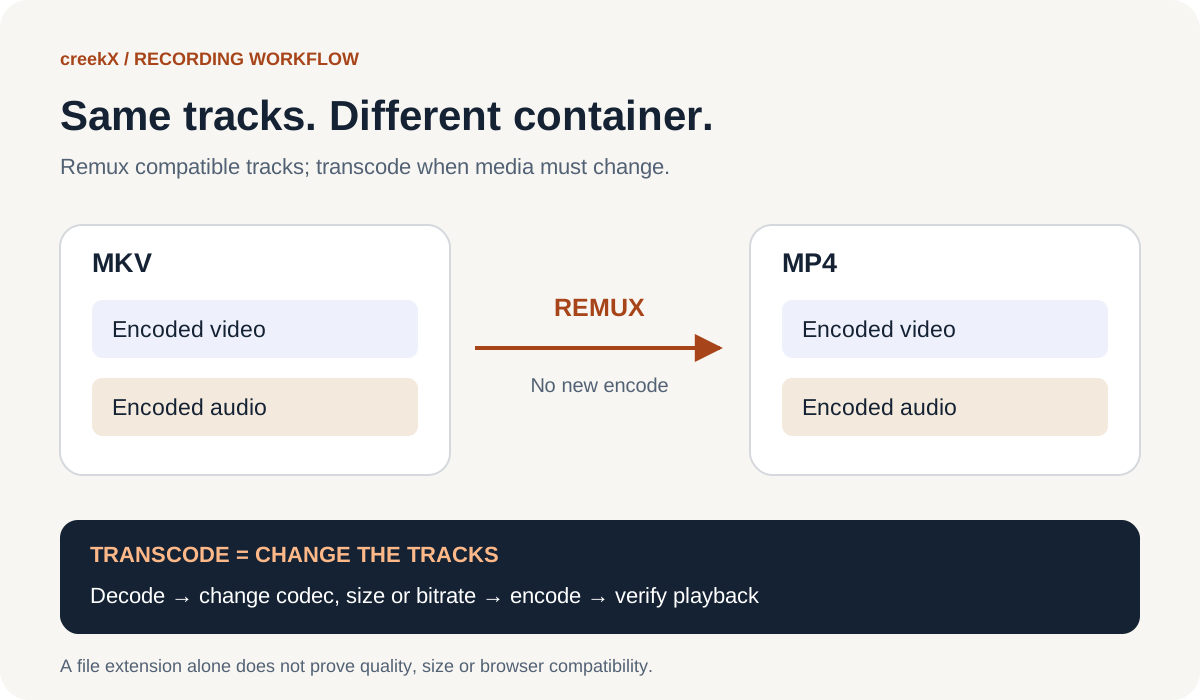
Remuxing changes the container without decoding and re-encoding the selected tracks. It does not improve resolution, remove compression damage or make an unsupported codec playable. The FFmpeg stream-copy documentation explains this distinction.
For a file whose first video and audio tracks are already compatible with MP4 and your player, this example writes a separate output:
ffmpeg -nostdin -n -i "recording.mkv" -map 0:v:0 -map 0:a:0? -c copy -movflags +faststart "replay.mp4"
-n refuses to overwrite an existing output. The mapping deliberately selects
the first video and optional first audio track; it does not preserve
every language, subtitle, attachment or audio mix. Inspect the source and adapt the
selection if those matter. If the muxer rejects a track, investigate rather than renaming
the file extension.
The
MP4 muxer documentation
describes +faststart, which places the index near the beginning for
progressive playback. It is not an adaptive bitrate ladder and it does not solve codec
support. Compare start, middle, end, sync and track selection after remuxing.
Transcode when the media itself must change
If your target cannot decode the video or audio, a different container is not enough. A transcode can change codecs, resolution or bitrate, but it takes processing time and a lossy encode can change quality. Keep one source copy and prepare delivery versions from it rather than repeatedly converting yesterday’s converted file.
For ordinary web video, MDN’s codec guide describes the widely used MP4, H.264 and AAC combination. Actual support still depends on the device, profile and player. Read when transcoding is needed before adding a conversion stage to every stream.
Test the file through the server your audience will use
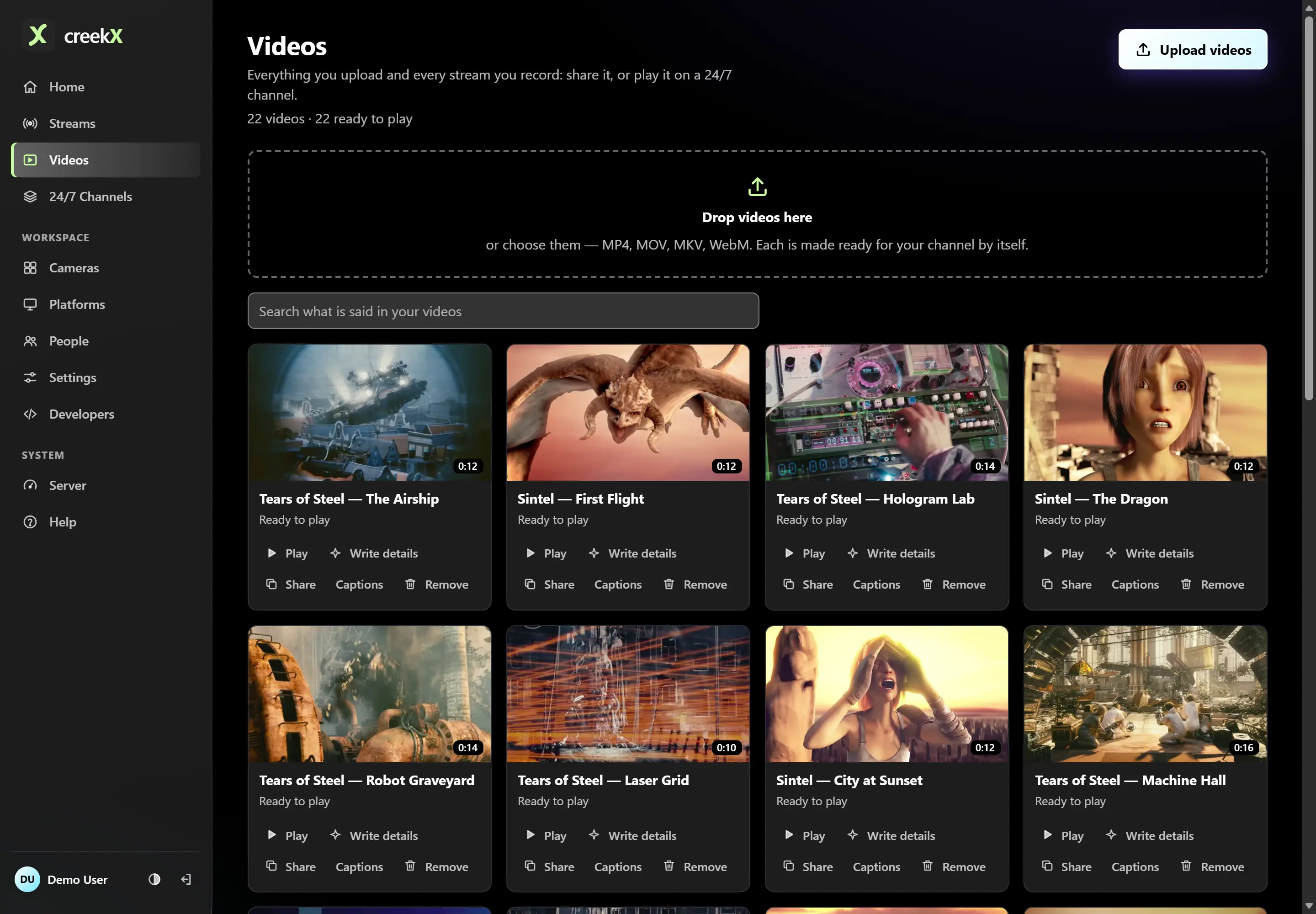
In creekX, upload a short representative file under Videos and wait for Ready to play. This goes through the library’s preparation workflow; it is a different path from a live encoder publishing a stream. Follow the video library guide, then test the shared link and your embed on real viewer devices.
For a saved event, use the VOD replay checklist. For live OBS delivery, use the OBS-to-server guide. Keep recording, conversion and live publishing as three explicit decisions, and verify the result at the end of each path.
Implementation check
Validate the remux, including audio
You need: A disposable copy of a recording and FFmpeg/ffprobe on your workstation.
- Inspect all tracks before selecting which video and audio to copy.
- Run the non-overwriting remux command above. Keep the source until the result has been checked.
- Probe the output, listen to the intended audio track and seek near the end through the real delivery path.
Pass when: The selected tracks survive and play correctly. Successful command exit alone is insufficient.
If it fails: The example copies one audio track. Change the mapping deliberately when an event requires several language or microphone tracks.
Frequently asked questions
Does MKV have better quality than MP4?
Neither container guarantees better quality. With the same encoded tracks, moving between compatible containers does not create a new encode. Codec settings and the source determine the encoded picture.
Can I convert MKV to MP4 without losing quality?
A remux can copy compatible encoded tracks without re-encoding them. Check codec support and track selection first, then verify the resulting file. Unsupported tracks may need a different workflow.
Should I always avoid MP4 when recording in OBS?
Ordinary MP4 and Hybrid MP4 behave differently during recording. OBS recommends MKV for interruption resilience and also documents Hybrid MP4, introduced in OBS 30.2. Test your installed version and editor rather than choosing from the extension alone.