
On this page
What is VOD? From a live recording to a replay people can watch
VOD means video on demand: a viewer chooses a saved video and starts it when they want. A replay of yesterday’s event is VOD. A channel showing that same recording on a shared schedule is a different viewing experience.
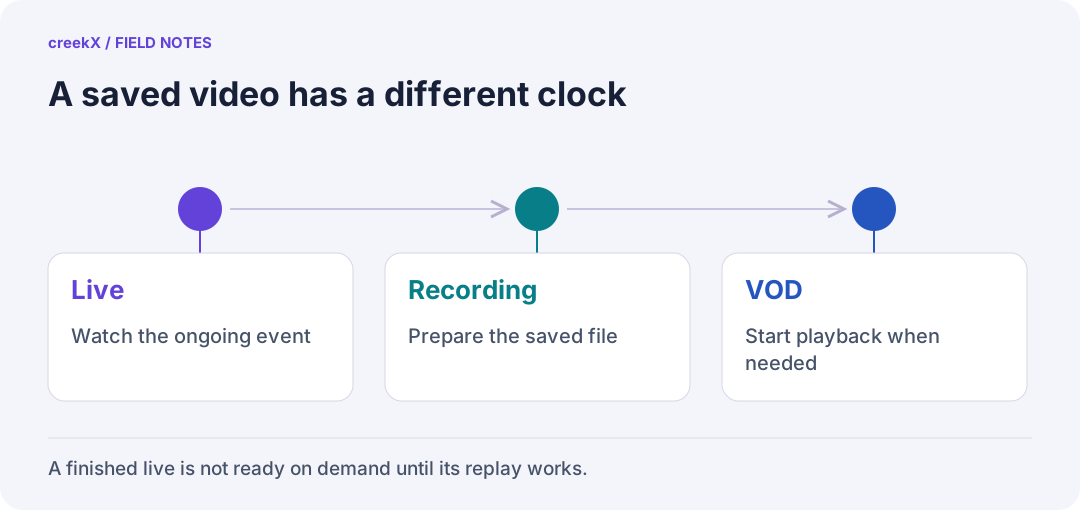
- LiveWatch the ongoing event
- RecordingPrepare the saved file
- VODStart playback when needed
Same video, three different clocks
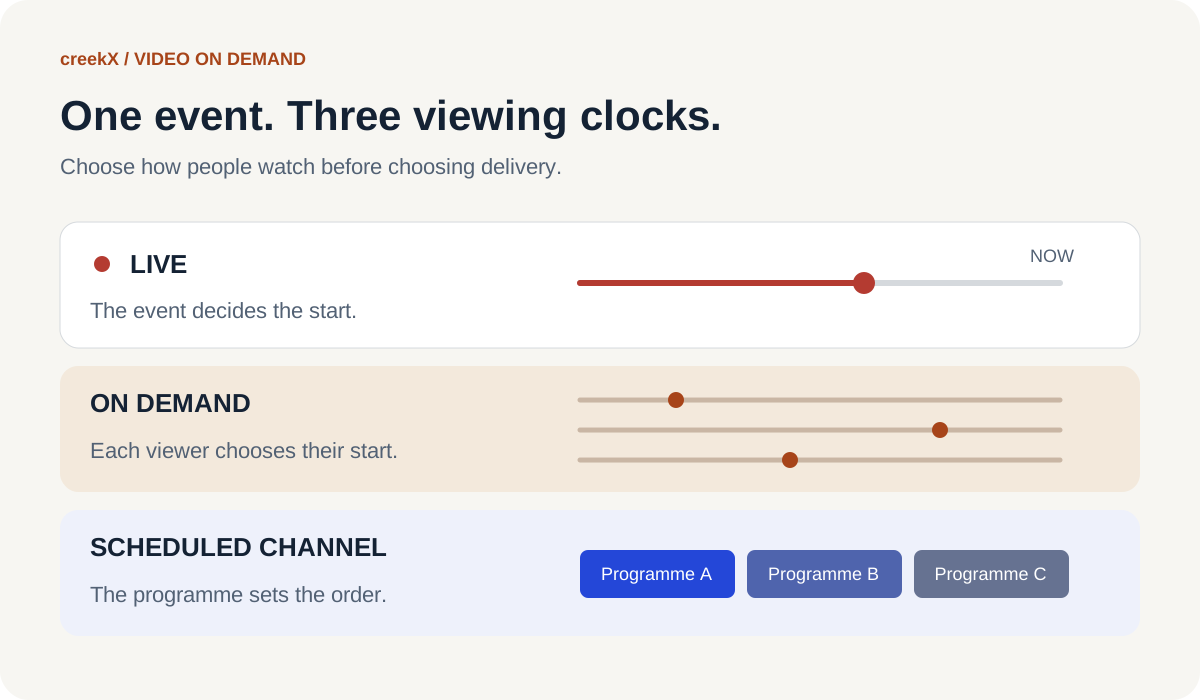
A training session finishes at noon. One employee watches it at two, another starts at five, and both can pause. That is on demand. If everyone joins a channel at two and sees the same point in the programme, it is scheduled playout. If the presenter is speaking now, it is live. A saved file does not decide the experience by itself.
| Experience | Who controls the start? | What to test |
|---|---|---|
| Live broadcast | The event | Delay, joining and recovery |
| VOD replay | Each viewer | Start, seek, resume and access |
| Scheduled channel | The programme schedule | Clip boundaries and continuity |
If your viewers need to ask questions during a live session, start with the streaming server guide. If they need to catch up tomorrow, plan the recording and replay too. The 24/7 channel guide covers the third case.
A recording is the beginning of a replay
Before sharing a long event, open the completed recording. Check its first minute, a point in the middle and its ending. Listen to both speech and programme audio. Confirm the duration. A stream being online during the event does not prove that the saved file contains the whole event.
Give the replay a useful name and description. “Quarterly safety briefing — October” helps a viewer more than an encoder-generated filename. Decide whether to keep the full programme or publish an edited version, and who approves it. Keep the source recording until the published copy has passed your checks.
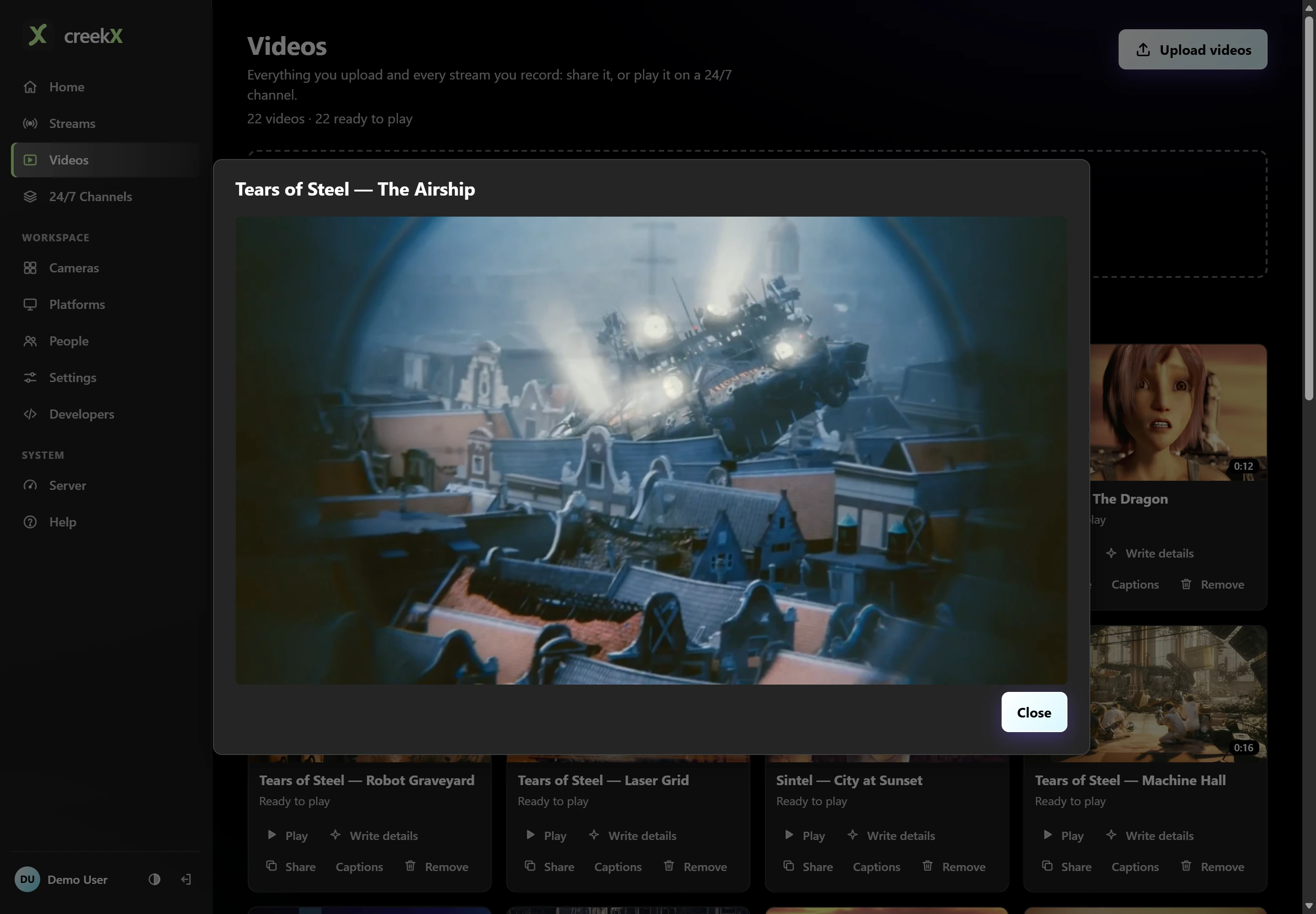
In creekX, open the stream’s Past lives, choose a completed entry and select Open in library. For a new recording, check Record every live before the event. The recording guide shows these controls. An existing file can instead be uploaded through Videos; wait for Ready to play before sharing it, as described in the video library guide.
MP4 and HLS describe delivery, not the business model
VOD is not a particular file extension or a paid subscription. A free training replay can be VOD, and a paid live event is still live. A site might deliver a complete MP4 file or use a segmented format such as HLS. Both can give a viewer an on-demand experience.
HLS uses playlists that point to media segments.
The HLS specification
distinguishes a VOD playlist, which must not change, from an event playlist that can grow.
Its EXT-X-ENDLIST tag marks that no further media segments will be added. A
finished playlist is useful only while its referenced media remains available. Keep the
playlist and segments together when moving or caching a replay.
Test the viewer journey, not just the upload
- Open: use the actual watch link on a phone and a desktop.
- Start: confirm picture and sound without relying on autoplay.
- Seek: jump forward and back, including near the ending.
- Access: try the link as an intended viewer, then check that your access rules work for someone who should not watch.
- Embed: test inside the real website page, where browser and site policies also apply.
Use the watch-link and embed guide for the sharing controls. If playback differs across devices, follow the browser playback checklist. A successful preview on the operator’s computer is one test, not proof for every viewer.
Plan the life of the recording
A replay adds storage and delivery work after the live event ends. Budget the source recording, any prepared playback copies, the retention period and a separate backup. Estimate storage from bitrate and time with the recording storage calculation. Measure viewing traffic separately; a one-hour video can be watched many times.
Write down who owns the replay, who can watch it and when it should be removed. Use a short video you have permission to share for your first test. Then follow the first-stream guide, record it, open the completed recording and share it with one test viewer. That small loop proves the workflow before the important event.
Implementation check
Accept a replay as a viewer would
You need: A completed, authorized recording and its intended share/access configuration.
- Open the replay from a signed-out test viewer and start from the beginning.
- Seek to the middle and near the end, checking picture and the intended audio.
- Try the denied-access case and confirm the planned retention and archive owner before sharing more widely.
Pass when: The finished recording is usable and access matches the audience. A successful live feed does not pass replay acceptance.
If it fails: An uploaded or converted item is not necessarily the original live recording; check the source and duration.
Frequently asked questions
What does VOD mean?
VOD means video on demand: a viewer chooses a saved video and starts it when they want. It describes the viewing experience, not a particular file format or payment model.
Is a channel playing recorded videos the same as VOD?
A shared scheduled channel follows its programme clock. An on-demand replay lets each viewer start separately. The same source recording can be used for either experience.
Can a live recording become a replay in creekX?
Open a completed recording under the stream’s Past lives and choose Open in library. Check playback, duration and access before sharing it using the library’s sharing controls.