
On this page
Why does a live stream take so long to start?
A stream can be less than a second behind the camera and still make a new viewer wait a long time. That first wait has its own causes. Before buying a larger server or changing protocols, find which part of the start is slow.
This is a practical test for a website player or watch page. It does not promise a target time. Your device, network, encoder and access checks all affect the result.
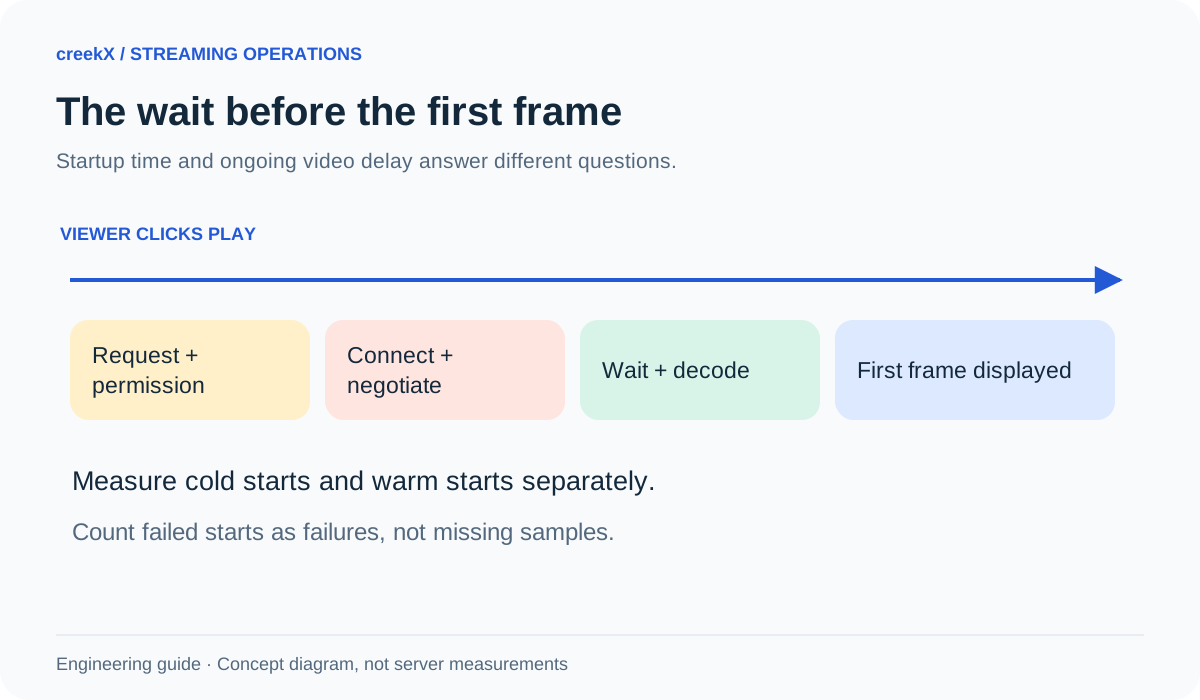
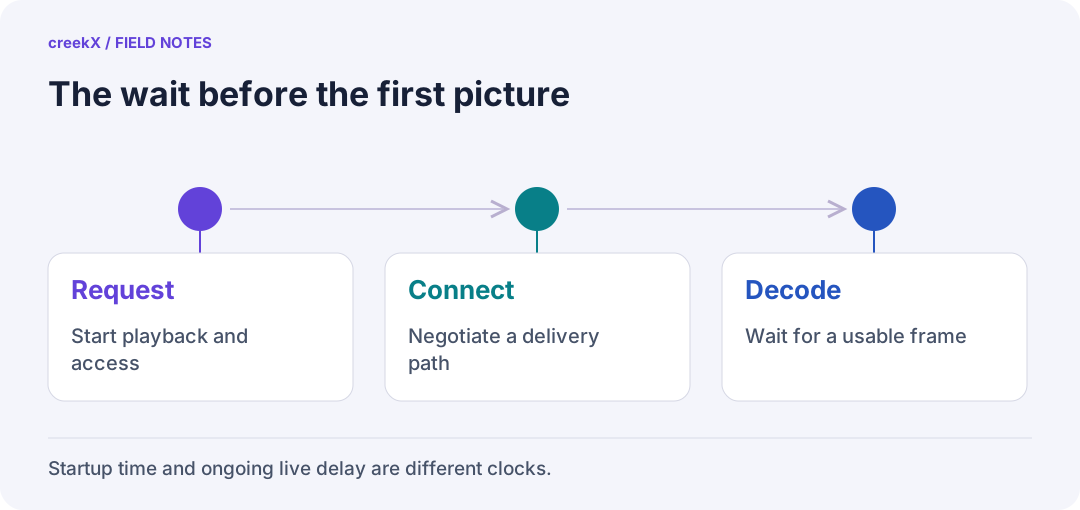
- RequestStart playback and access
- ConnectNegotiate a delivery path
- DecodeWait for a usable frame
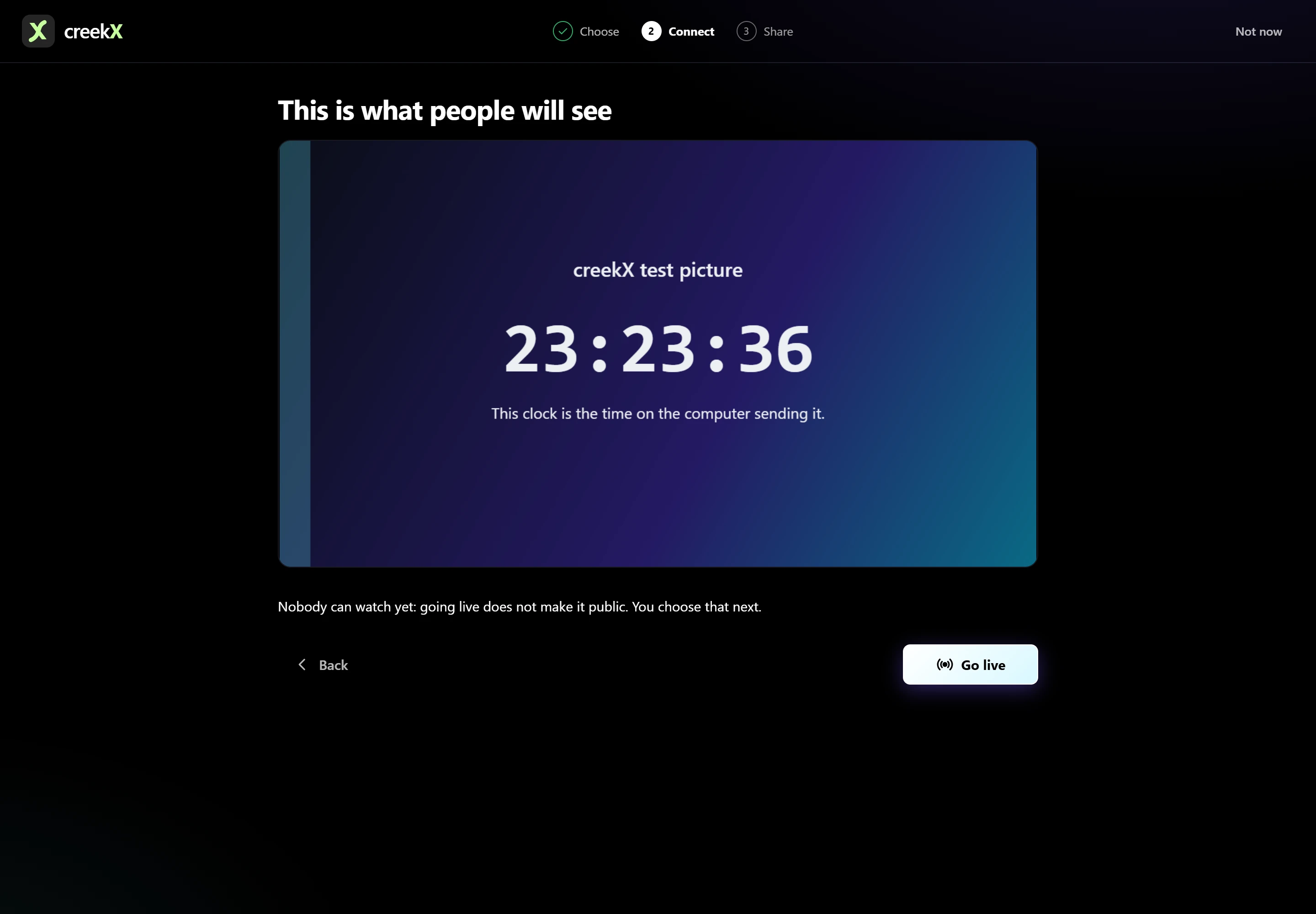
Keep two clocks separate
Startup time begins when the viewer asks to watch and ends when the first video frame appears. Glass-to-glass latency measures how far that frame is behind the source. A player that buffers more can have a clean start but a larger live delay. A player with a small buffer can show a recent frame quickly, then stall on a weak connection.
Write both measures in your test sheet. Also record whether the first picture moves and whether sound starts. A frozen poster or silent black rectangle is not a successful start.
Make a small test you can repeat
- Use one steady source, one stream and a viewer outside the server's network. Keep the encoder settings unchanged.
- Record the browser version, device, playback method, video quality and connection type. Separate Wi-Fi, mobile data and a wired connection.
- Open a fresh watch page and press Play. Measure until the first moving picture. Repeat several times; ten starts is a useful rehearsal, not a statistical guarantee.
- Repeat with the page already loaded. Label these warm starts rather than mixing them with fresh-page starts.
- Record failures and timeouts. A fast average that ignores failed starts hides the problem viewers notice most.
Use a fixed observation limit for every attempt. If a start has not succeeded by that limit, record a timeout with the limit you chose. Do not quietly turn it into a successful start at the last observed second.
Instrument your own player carefully
For an application you control, requestVideoFrameCallback() can mark when a
video frame reaches the compositor. It is closer to the picture than a download-complete
event, but it is not laboratory proof of the exact light leaving the display. Browser
support and callback timing still matter. See the
MDN video frame callback reference.
import { measureStart } from './first-frame.mjs';

// In your own player, from a viewer action. sourceUrl is your permitted media URL.
const result = await measureStart(video, (element) => {
  element.src = sourceUrl;
  element.load();
});
showStartupResult(result); // Your UI: distinguish success, failure and timeout.
Download the complete measurement helper. It feature-detects frame callbacks, cleans up listeners and reports a labelled loaded-data approximation when a presented-frame callback is unavailable. Its observation timeout is an example choice, not a performance target. Use one attempt at a time; a presented frame still needs a separate motion and sound check.
Here, video is your player element and the two display functions belong to
your application. Feature-detect the callback first. Keep a labelled fallback measurement
for older browsers. Do not collect private watch URLs, access tokens or viewer identities
as performance labels.
Locate the slow stage
- Page or access is slow: check the page request, login or token decision before changing video settings.
- The media connection is slow: compare the same viewer and network using the available playback methods. A successful local test does not prove an outside path works.
- Data arrives before a picture: inspect codec compatibility and encoder keyframes. A new decoder needs a usable starting point.
- Only some devices struggle: check decoding support, autoplay policy and device load. More server CPU may not change any of these.
Read the results without hiding the bad starts
Keep the individual attempts as well as a summary. The median describes a typical successful start, but it does not describe timeouts. List those separately. With a small rehearsal sample, show the slowest observed attempt rather than presenting a precise percentile as a stable promise. Repeat after the change on the same devices.
Use creekX as the receiving side
In creekX, start with the stream monitor, then test its watch link on a second device. Use the watch-link and embed guide to reproduce the public viewer path. Compare WebRTC and HLS as separate tests; do not average them into one result.
Change one setting, repeat the same starts, and keep the version that improves successful playback without creating more stalls. For device-specific failures, use the browser playback checklist. For the wider architecture, read the streaming server guide.
Implementation check
Test the timer’s failure path
You need: A player you own, its video element and a repeatable test source.
- Start timing from the viewer’s request, before loading the media. Use a presented-frame callback when available.
- Try successful playback, a blocked play request and a source that never supplies a frame.
- Cancel the outstanding callback/listener after a failure or timeout and label fallback measurements separately.
Pass when: Each attempt ends once, as a presented frame, a rejected start or a timeout.
If it fails: Registering another frame callback on every retry can report an old attempt as a new success. Tear the previous attempt down.
Frequently asked questions
Is startup time the same as streaming latency?
No. A stream can start quickly and still play several seconds behind the camera. Startup time measures the wait for the first moving picture after the viewer asks to watch.
Does the playing event prove a frame was displayed?
It is a useful playback signal, but it is not the same measurement as a frame reaching the compositor. Use a video frame callback where available, and state your measurement method.