
On this page
The streaming rehearsal that catches failures before the audience arrives
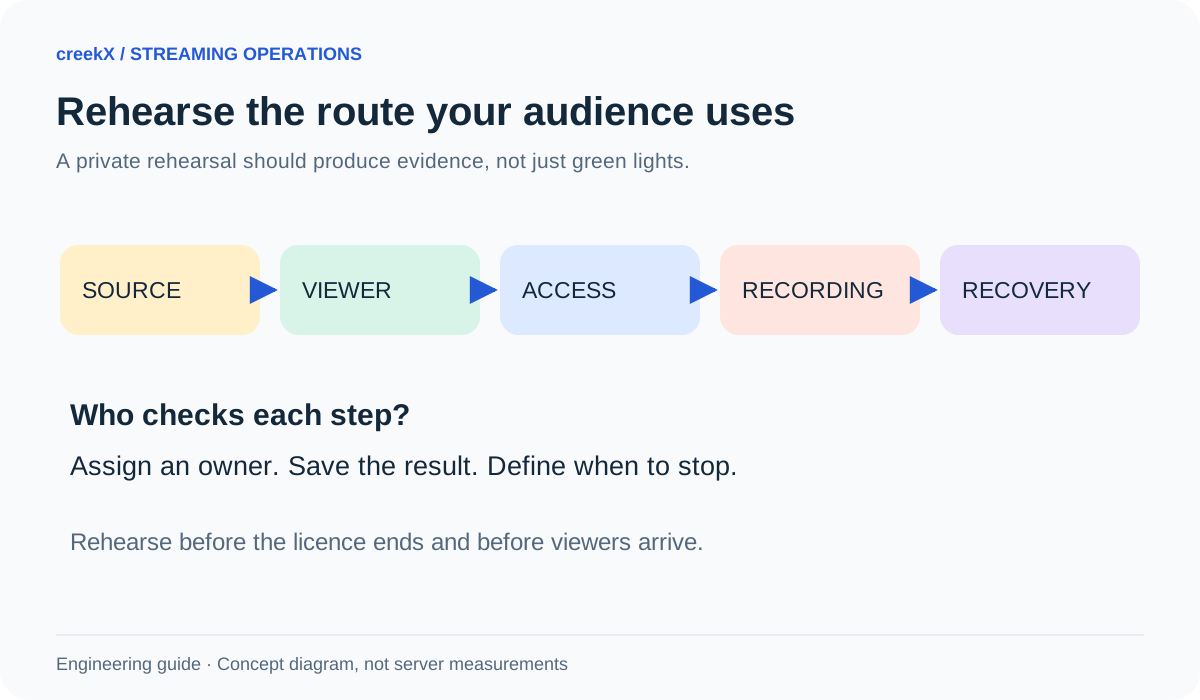
A useful streaming rehearsal follows the same path as the real audience. Test the actual encoder, network, watch link, access rules and recording, then practise one failure while a second person watches from another connection.
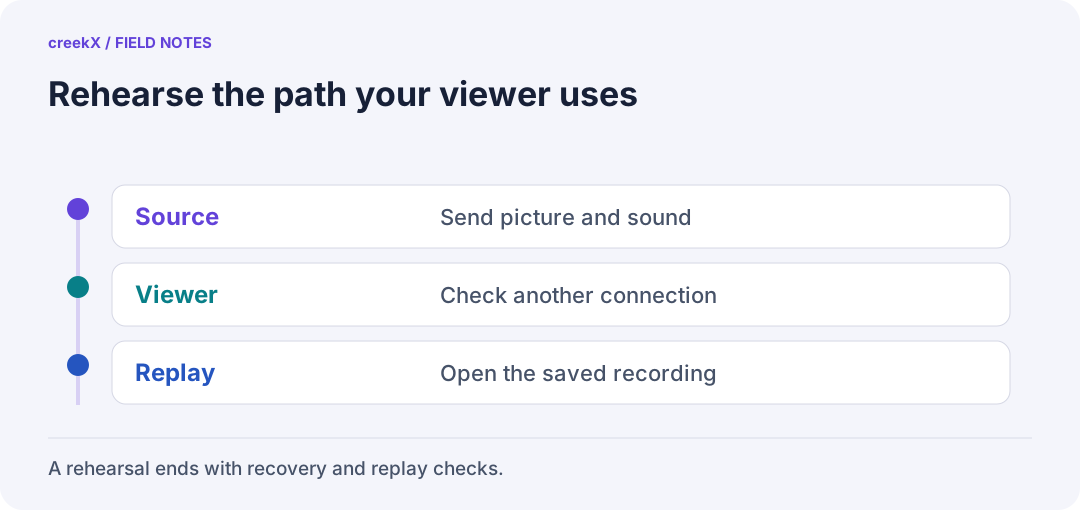
- SourceSend picture and sound
- ViewerCheck another connection
- ReplayOpen the saved recording
Start with an event card
Before equipment is switched on, write one page: event time and time zone, running time, source feeds, audience devices, delivery method, recording needs, operator and escalation contact. Include the licence date and free disk you need. Avoid putting passwords or stream keys on this shared card.
Give the rehearsal a clear result: ready, ready with stated limits, or not ready. A known limitation can be managed. An unnamed assumption tends to become the first surprise when the audience arrives. Put the owner’s name beside every open item rather than leaving it with “the technical team”.
Use three roles, even in a small team
- Publisher: operates the encoder and confirms outgoing picture and audio.
- Outside viewer: opens the real watch link on another connection and reports what plays.
- Recorder: checks server state, notes times and verifies the saved recording.
One person can do more than one role, but a browser on the encoder’s own machine should not be the only witness. A phone using mobile data can expose a problem hidden by the venue’s local network. Record device and browser versions when the result depends on them.
Rehearse the whole audience journey
| Check | Evidence to keep | Stop condition |
|---|---|---|
| Open the event page | Correct player and start instructions | Wrong link or blocked page |
| Start playback | Picture and audible speech | Black video or missing sound |
| Check access | Allowed viewer works; blocked case fails | Private feed accessible without approval |
| Review recording | Start, middle and end play correctly | Missing or unusable recording |
| Interrupt test source | Recovery and operator action | Nobody detects or owns the outage |
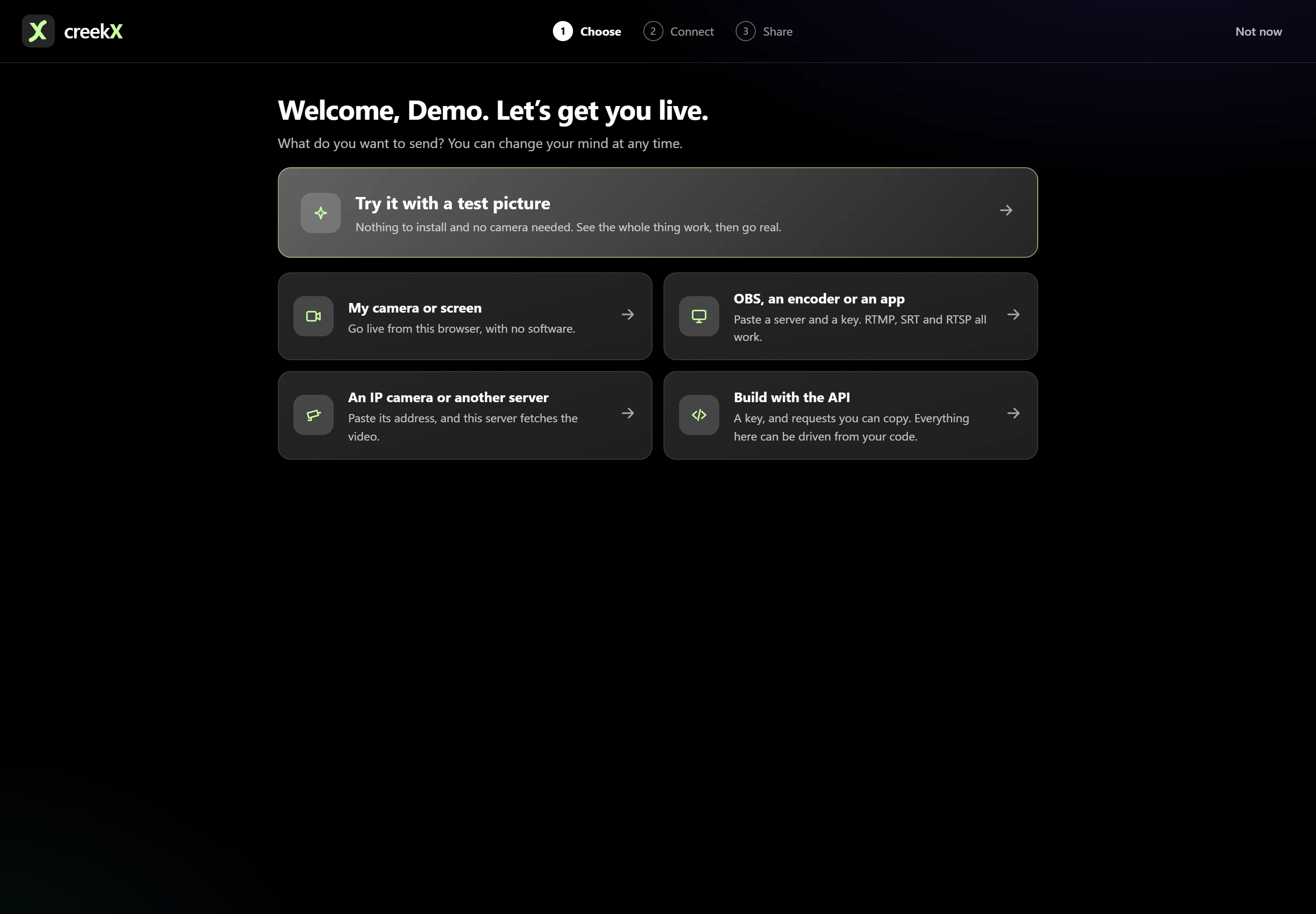
In creekX, open the intended stream, check its publishing details and confirm whether Record every live is enabled. Share the intended watch link with your test viewer. Follow the sharing guide and test as a signed-out viewer too. An administrator’s working session does not prove the guest experience.
Make the audio test hard to misunderstand
Ask the presenter to speak, pause and move. Test every microphone and the transition between them. A moving level meter does not prove the audience hears the right microphone. Check that a browser did not start muted and that a local speaker is not feeding back into the microphone.
Compare the source preview with the outside viewer. Note obvious sound delay or drift over time. If the event switches between a live presenter and a saved video, rehearse the transition with the actual material you are allowed to broadcast.
Test pressure without inventing a capacity result
One working viewer proves one path, not a thousand viewers. Use a controlled audience test appropriate to your server and network, and agree its limits beforehand. Document bitrate, simultaneous feeds, playback protocol, duration and where test clients run. A same-machine test does not measure the venue’s internet uplink.
If OBS reports dropped frames, investigate the outgoing connection before changing every server setting. The official OBS troubleshooting guide explains the network side. Change one thing at a time and note whether the symptom improves.
Practise the handoff and the bad minute
Ask the primary operator to step away. Can the second person find the correct stream, see whether it is live and contact the encoder operator? Do they know which change is safe and which needs approval? Keep administrative credentials in your password system, not in runbooks or screenshots.
On a private test feed, stop the source briefly and follow a recovery drill. Measure how long a human takes to notice, not just how quickly a process restarts. Prometheus’s alerting guidance favours actionable symptoms over noise; apply that idea to the signals your team actually watches.
Close with a real go/no-go
Save the checked configuration, unresolved issues and the person authorised to start the event. Do not upgrade minutes before going live just because rehearsal revealed a different problem. For foundations, use the streaming server guide, OBS setup and recording storage budget. Repeat the failed part until the result is clear.
Implementation check
Make the rehearsal executable
You need: The event encoder, an outside viewer and a person who can authorize go/no-go.
- Follow the actual event link through access, Play, sound and recording checks.
- On a private test stream, interrupt the source once. Let the next operator follow the written recovery steps.
- Close the test, inspect the recording and assign an owner to every unresolved failure.
Pass when: Another operator can run the same checks without borrowing the first person’s browser session.
If it fails: If a required viewer or recording fails, record it as blocking rather than relying on a green server indicator.
Frequently asked questions
How long should a live stream rehearsal last?
Long enough to exercise the real sequence and likely failure points. A short connection check does not prove an event-length recording, sustained network path or audience capacity.
Should rehearsal use the public event link?
Test the same delivery and access configuration with an authorised test audience. Keep rehearsal private when the content or event details require it.