
On this page
What happens when an encoder disconnects? Run a recovery drill
Run a short, private failure drill before relying on automatic recovery. Interrupt one source, record what viewers see, reconnect it and inspect the saved video. A recovered process does not itself prove a recovered viewer or an intact recording.
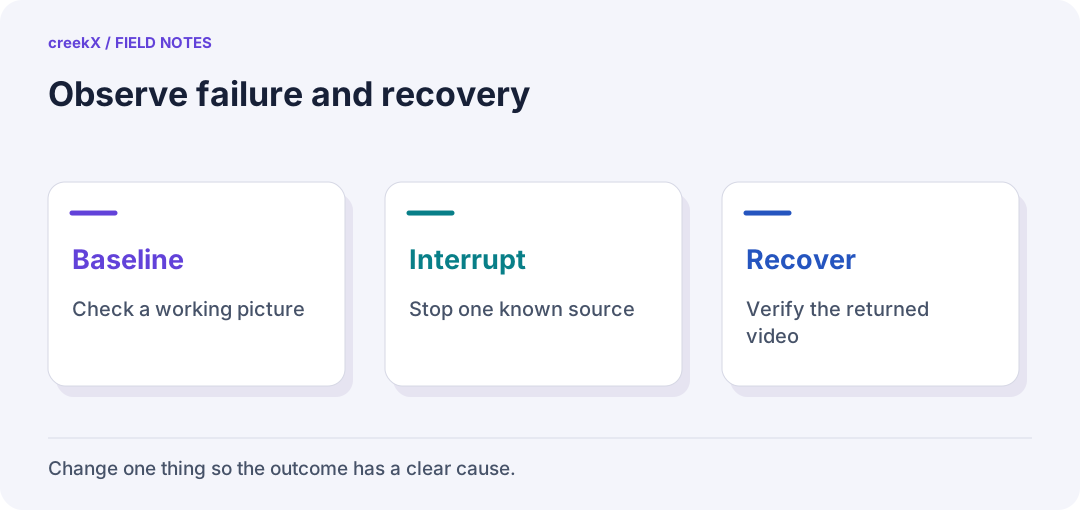
- BaselineCheck a working picture
- InterruptStop one known source
- RecoverVerify the returned video
Choose a failure small enough to understand
Do not start by unplugging the event server. First test a single encoder on a private stream when no real audience or recording depends on it. Agree who may interrupt it, how long the interruption may last and what stops the drill. Keep a working way to contact the encoder operator if the video path fails.
Write the expected behaviour before pressing Stop. Will the encoder retry? Should the player reconnect without a click? Should a new recording be created when the source returns? These are questions to answer in your environment, not promises to assume from a product label.
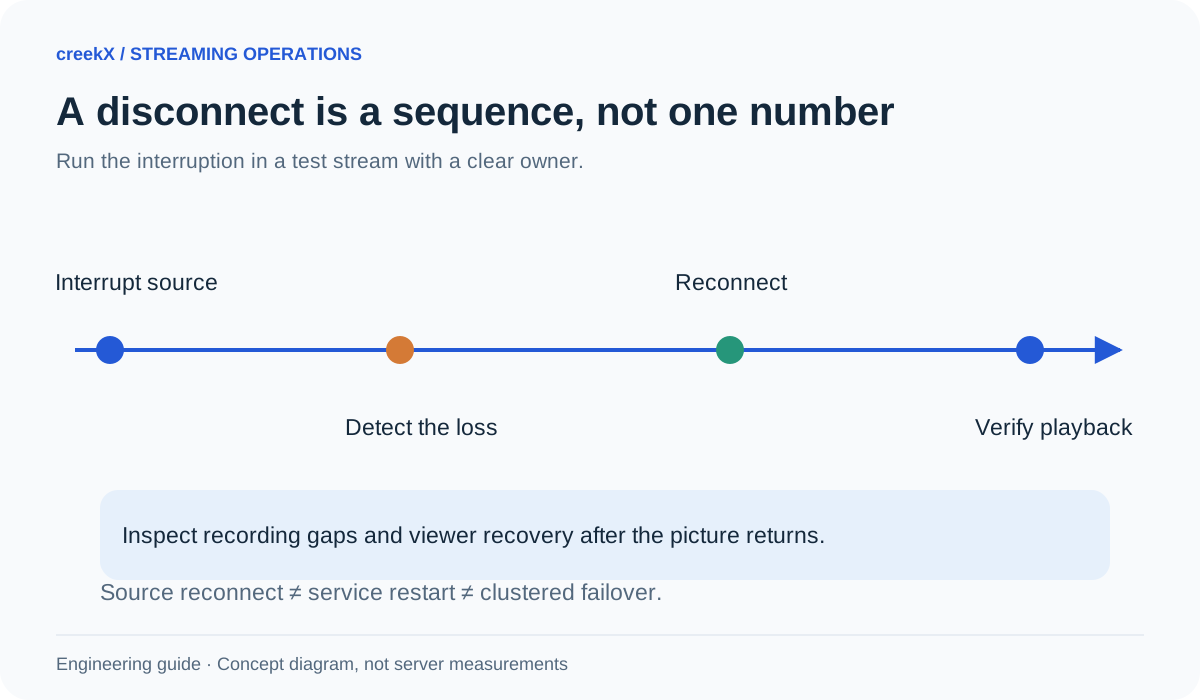
Use a timeline with four clocks
| Moment | What to note |
|---|---|
| Source interrupted | When the encoder stops sending |
| Problem detected | When a viewer or alert notices it |
| Source restored | When the encoder sends again |
| Viewer recovered | When the outside viewer sees fresh moving video |
Use one observer’s monotonic timer or a single video recording for intervals. Unsynchronised clocks on different devices can produce a recovery time that never happened. Keep the test label, stream and protocol with the timeline so you can compare like with like later.
Run the simplest drill
- Publish a moving test picture with sound. Open the watch link from a second connection.
- Confirm whether recording is enabled, and note free disk space.
- Stop publishing from the encoder. Leave the server running.
- Ask the viewer to describe the screen: frozen frame, spinner, error or closed player.
- Resume publishing with the same approved settings and observe recovery.
- End the test normally. Open the saved recording and inspect the interruption.
Repeat once without asking the viewer to refresh, then once with the documented manual recovery action. This separates the product’s behaviour from help a human provided. Keep those results in different rows; combining them hides the actual audience experience.
Check the right part of creekX
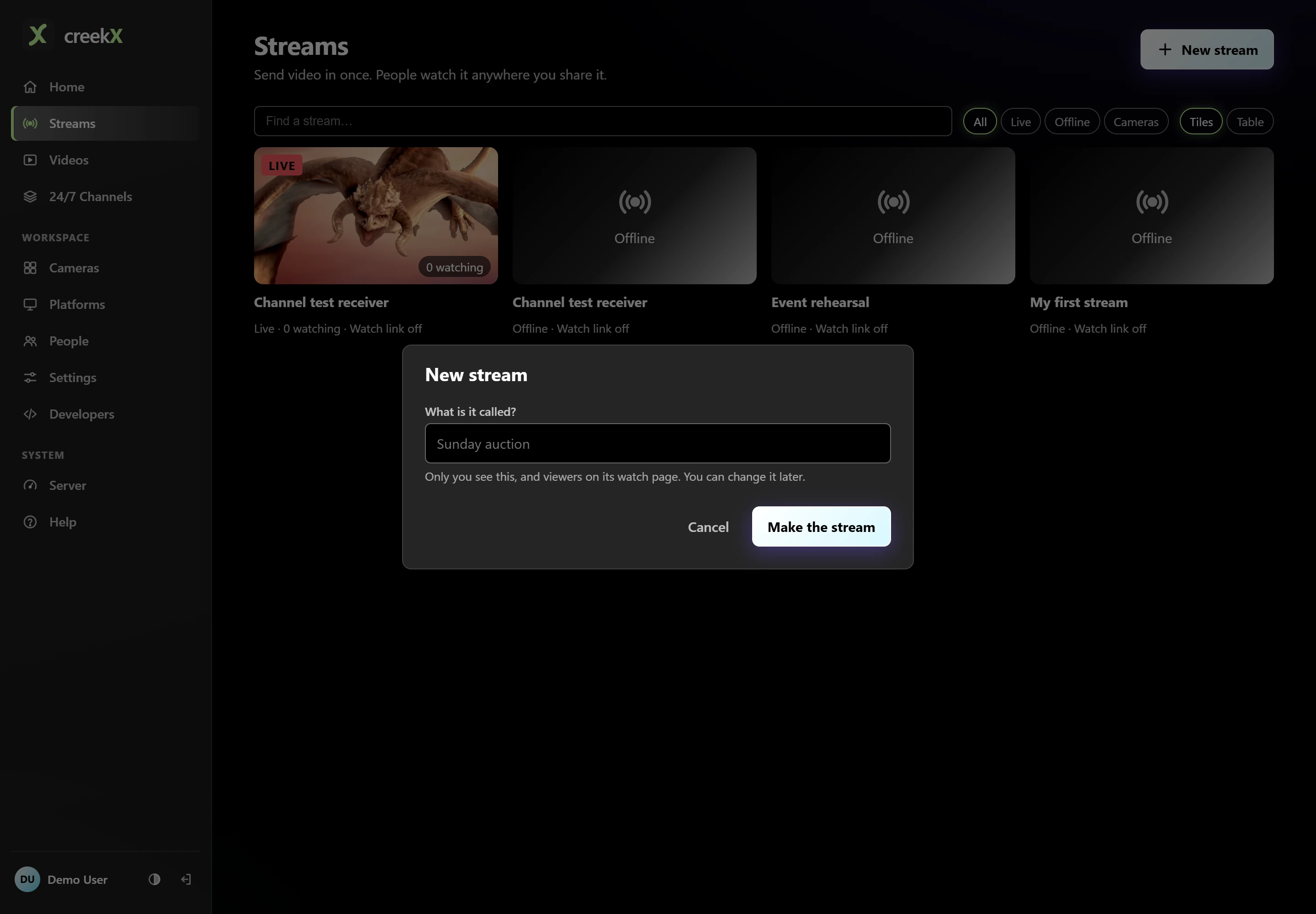
The stream view shows the source and its current state. Its Past lives entries lead to recordings after a session ends. See the recording guide for that path. On an installed server, the documented commands below help inspect the service. They do not repair a disconnected encoder by themselves.
sudo creekx status
sudo creekx logs
Read recent logs privately and redact publishing addresses, tokens and personal details before sharing an excerpt. Do not restart a healthy server because the encoder is offline. The server-care guide explains administrative controls and their purpose.
Separate three kinds of recovery
Source reconnect: the encoder returns to the same receiving server. Service recovery: a failed process is started again on that server. Failover: the workload or viewer path moves to a different working component. Passing the first does not prove the third.
creekX has tests for live service restart and reapplying stream configuration. Those tests are useful engineering evidence, but not a recovery-time guarantee for your encoder, network or browser. Do not describe a single-server restart test as proof that a second server will take over an event.
Give every signal an action
For each alert, name the person, first check and next action. The Prometheus alerting guide provides useful background on keeping alerts meaningful. A dashboard nobody watches is not an incident response plan. Likewise, an email configured in settings is not evidence the on-duty person receives it; test delivery.
Finish by writing what failed, what recovered automatically, what needed a click and what must change before the event. Connect this drill to your full event rehearsal and viewer health checks. Start from the streaming server guide if you are deciding which part of the path you operate.
Implementation check
Keep control recovery separate from viewer recovery
You need: An isolated stream, a known encoder retry setting and a second viewer.
- Note interruption, detection, restored source and restored moving picture using one time reference.
- Run once without refreshing the player and once with the documented manual action.
- After ending the test, inspect recordings around the gap and keep any unusable sections in the result.
Pass when: The evidence describes source, viewer and recording recovery independently.
If it fails: A new process or a live status does not prove a viewer resumed. Preserve the first symptom before restarting anything.
Frequently asked questions
Does restarting the service guarantee a viewer reconnects?
No. A service, source and browser each have their own state. Test what the actual player does after the source returns.
Does this drill prove automatic multi-server failover?
No. It tests a stated failure and recovery path on your setup. Second-server failover requires a separate design and acceptance test.