
On this page
Where live stream delay comes from: our measurements
When a live stream runs late, people blame the server or the internet. We wanted to know where the time actually goes, so we measured it frame by frame. The biggest surprise: with common default settings, most of the delay happened before the video left the sender's laptop.
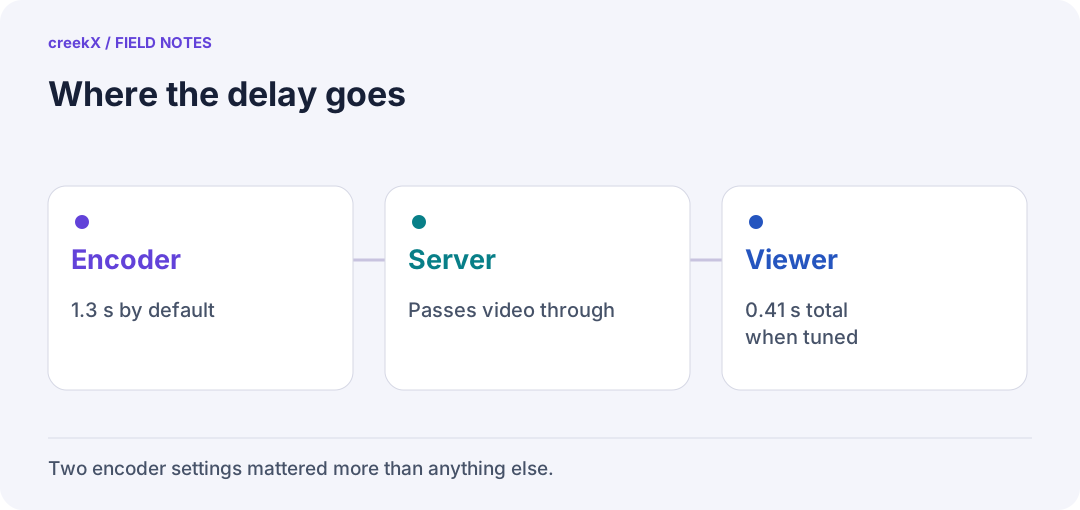
- EncoderAbout 1.3 s with defaults
- ServerPasses video through
- Viewer0.41 s total when tuned
How we measured
A sender played a 1080p film clip at 30 frames a second, set up the way OBS sends video. Just before encoding, it stamped the wall-clock time, to the millisecond, into every frame as a row of black and white boxes. A real browser played the stream and read the boxes five times a second for 20 seconds, then subtracted them from the same machine's clock. So each number is the whole delay: encoder, server, any conversion, network and the player's buffer.
We compared two sender setups: OBS's defaults (x264 veryfast, B-frames on, a keyframe every 2 seconds, 6 Mbit/s) and OBS set for real time (the zerolatency tune, so no B-frames, and a keyframe every second).
The results
| How it was sent and watched | Median delay | Worst |
|---|---|---|
| OBS defaults, watched over WebRTC | 1.70 s | 1.97 s |
| OBS set for real time, WebRTC | 0.41 s | 0.60 s |
| Low-latency HLS (player aims 1 s behind) | 1.23 to 1.28 s | 1.40 s |
| Standard HLS | 3.4 to 3.8 s | 4.4 s |
The two HLS rows come from a separate run with the sender set for real time, measured the same way.
With OBS's defaults, a frame reached the server about 1.3 seconds after it was drawn. Set for real time, about 0.4 seconds. B-frames and look-ahead make the picture a little smaller to send, and they cost time.
Three findings
- Check the encoder first. Two settings changed the delay more than any server or player choice we tried.
- Skipping conversion is faster and cheaper. Without B-frames the server passed the 1080p picture straight through, using 0.12 of a core. With B-frames it had to convert it, using 1.22 cores and dropping to 720p.
- A slow converter makes delay grow. On a busy laptop, a converter running at 0.83x real time fell further behind every second. Resizing the browser window pushed one viewer to 5.5 seconds behind.
The limits
These numbers come from one 4-core laptop (Intel i5-11300H) running the sender, creekX and the browser together, on a local network, in October 2026, with an animated film as the test footage. The internet adds its own delay on top, and your encoder, footage and devices will differ. Treat them as a careful lab measurement, not a promise for every viewer.
The full method and raw tables are in our benchmarks. To repeat the test on your own setup, see how to measure streaming latency without fooling yourself. For what it means in practice, read camera and encoder setup for a live auction room.
Frequently asked questions
What causes most live stream delay?
In our measurements, the sender's encoder settings. With B-frames on and a 2-second keyframe gap, about 1.3 s passed before the frame reached the server.
How was the delay measured?
The time was stamped into every frame before encoding and read back from a real browser five times a second, so each number covers the whole path.