
On this page
Camera and encoder setup for a live auction room
It's sale day, the auctioneer is calling the first lot, and online bidders are a second and a half behind. The usual reaction is to blame the server or the internet. When we measured it, most of that delay had happened before the video left the laptop in the room.
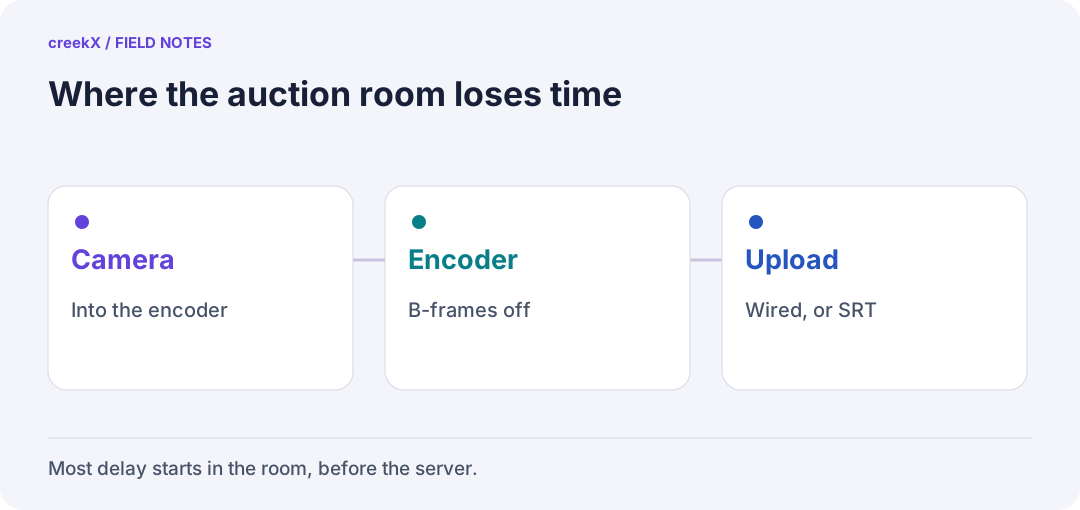
- CameraInto the encoder
- EncoderB-frames off
- UploadWired, or SRT
What we measured
We stamped the exact time into every frame before encoding, then read it back in a real browser five times a second. That gives the whole delay, from the frame being drawn to a viewer seeing it. With OBS's default settings, WebRTC viewers were 1.68 seconds behind on average. About 1.3 seconds of that passed before the frame even reached the server.
With two settings changed, the same setup measured 0.41 seconds on average and 0.60 seconds at worst. There was a second benefit: without B-frames the server could pass the picture straight to viewers in 1080p, using 0.12 of a core. With B-frames it had to convert the picture, which used 1.22 cores and cut it to 720p.
The two encoder settings that matter
- Turn B-frames off. In OBS, use the x264 encoder with the tune set to zerolatency. B-frames make the picture slightly smaller but force the encoder to wait for later frames.
- Send a keyframe every second. A new bidder can only start watching at a keyframe, so a long gap means a long wait for the first picture.
The full OBS walkthrough is in OBS to your own server.
The camera and the network
Any camera that feeds the encoder cleanly will do: a camera over HDMI into a capture card, or an IP camera the server pulls over RTSP. Pick one you can leave running all day without it going to sleep.
Use a cable, not Wi-Fi. A room full of bidders' phones crowds the air, and every lost packet shows up as a frozen frame. If the venue's internet itself is unreliable, send with SRT instead of RTMP: it re-sends lost packets inside a delay you choose. See SRT vs RTMP vs WHIP.
Test it the morning of the sale
Hold a clock up to the camera and compare it with what a bidder's phone shows on mobile data. If the gap is over a second, check the encoder settings first. Running several rings? See how many auction lanes one server can stream, and the live auctions guide.
Frequently asked questions
What OBS settings give the lowest delay for an auction?
Use x264 with the zerolatency tune, which turns B-frames off, and a keyframe every 1 second. In our test that cut median delay from 1.68 s to 0.41 s.
Should the auction room use Wi-Fi or a cable?
A cable. Wi-Fi drops packets when the room fills with phones, and every lost packet shows up as a frozen frame or a jump in delay.