
On this page
Watching many sites from one control room
A facilities manager runs six sites: two warehouses, a yard, three depots. Each has its own recorder and its own app, and checking them all means six logins. What they want is one screen in the control room with every site on it, and staff who only see their own.
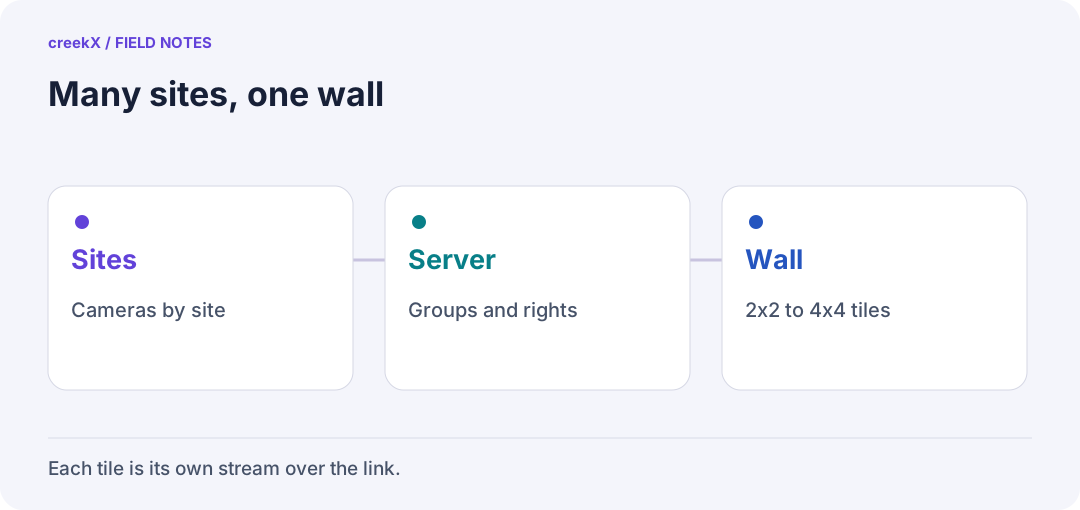
- SitesCameras by site
- ServerGroups and rights
- Wall2x2 to 4x4 tiles
The wall
In creekX Cameras, which is sold separately from the Media Server, every camera can appear on one wall of 2x2, 3x3 or 4x4 tiles. Give each camera a site name and cameras from the same site sit together. Tiles play muted, one page at a time, so the wall works on a TV or a laptop.
Who sees what
A person can be limited to named sites, such as "Warehouse, Gate". They then see only those sites' cameras, live and recorded. The control room sees everything; a depot supervisor sees their depot.
Bandwidth from each site
Every tile on the wall pulls its own stream from the server, and the server pulls each camera from its site. Over a weak link from a remote site, that adds up fast. Use the camera's smaller second stream for the wall and keep the full picture for when someone opens one camera. We haven't measured how many tiles a given TV or laptop can play smoothly, so try your own screen with a full page before mounting it.
For links that drop packets, see streaming from offshore and remote sites, and for cameras that face the public, how many people can watch one IP camera. The air-gapped streaming guide has the rest.
Frequently asked questions
Can one screen show cameras from many sites?
Yes. creekX Cameras shows cameras as a wall of 2x2, 3x3 or 4x4 tiles, grouped by site, one page at a time.
Can I stop people seeing sites they do not manage?
Yes. Each person can be limited to named sites, and then sees only those sites’ cameras.