
On this page
How many auction lanes can one server stream at once?
Picture an auto auction on sale day with eight lanes running, a camera on each, and online bidders on all of them. The question we hear most is how big a server that needs. The short answer: it depends almost entirely on one choice, whether the server has to re-make the video in smaller sizes for weak connections. Without that, one 4-core server took about 50 lanes in. With it, the same server managed 4.
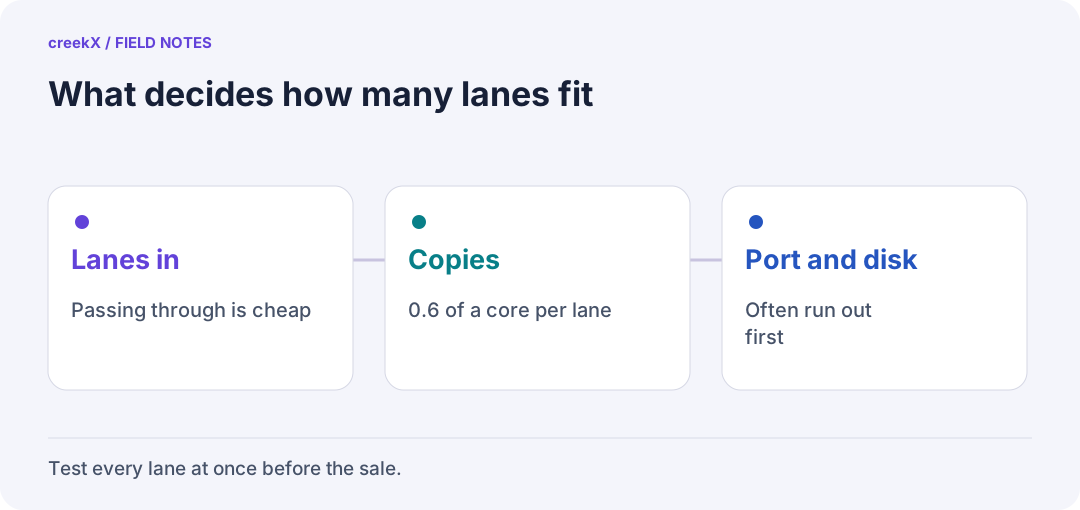
- Lanes inPassing through is cheap
- CopiesAbout 0.6 of a core per lane
- Port and diskOften run out first
What we measured
We ran these tests in October 2026 on rented cloud servers through creekX's own API, with a real 1080p clip at 5 Mbit/s standing in for each lane's camera. Each step was held for 60 seconds. The CPU figures are the server's own, with the test's senders and viewers left out.
| Lanes at once | What the server did | Server | CPU used |
|---|---|---|---|
| 49 | Received and recorded each lane, no conversion | 4 cores | 0.54 of a core (13%), all 49 live |
| 4 | Made 720p, 480p and 360p copies of each lane | 4 cores | 2.56 cores (64%) |
| 6 | The same, three copies each | 4 cores | 3.55 cores (89%), peaks at 99% |
| 8 | The same, three copies each | 8 cores | 4.84 cores, no viewer stalled, first picture within 42 s |
Receiving a lane costs almost nothing, because the server just passes the video along. Making smaller copies costs about 0.6 of a core per lane, because the server has to decode the 1080p picture and encode it again three times.
Do your bidders need several qualities?
Smaller copies let a bidder on a weak phone connection drop to 480p instead of freezing. That matters most for viewers who watch with a few seconds of delay over HLS. Real-time bidders on WebRTC usually get the picture exactly as the lane camera sends it, and passing it through like that cost us 0.12 of a core in a separate test.
So a common setup is: every lane passed through to bidders in real time, and copies made only for the lanes that also have a large watching audience. That keeps a busy sale day on a modest server.
Where it stopped working
On the 4-core server, 4 lanes with copies were comfortable, 5 was the edge and 6 was too many. We tried the same on a 16-core server and it did not scale as you would expect: past 8 lanes the first picture took minutes to appear, and at 16 lanes viewers stalled. We haven't explained that yet, so we don't quote a number above 8 lanes with copies. Treat anything beyond that as untested.
By default creekX makes copies for 2 lives at once. You can raise the limit once you have tested your own server. Frames start dropping at about 80% of the cores, not 100%, so leave that headroom.
The other limits: the network and the disk
On the 4-core server the processor was rarely the real limit. Its internet port, about 890 Mbit/s, was. Every bidder watching at 1080p and 2.5 Mbit/s takes a slice of that, so the port fills long before the CPU does. Recording fills the disk fastest of all: 49 lanes wrote about 30 MB a second, and filled 87 GB in under an hour. We stopped at 49 because a creekX workspace holds 50 streams, not because the server ran out.
Work out your own sale from the number of lanes, bidders and qualities in the calculator, then test it before the sale. The auction guide explains why bidders need under a second of delay, and CPU for 1080p transcoding shows where the conversion cost comes from.
Before the sale
Run every lane at once for longer than your longest session, with the copies switched on that you plan to use. Watch the server's CPU and the slowest viewer, not the average. Then unplug one lane's camera and check that the others carry on. If CPU stays under about 80% and nobody stalls, you have your answer for that server.
Frequently asked questions
How many auction lanes can one streaming server handle?
In our tests a 4-core server took 49 lanes in when it only passed them through, and 4 lanes when it also made three smaller copies of each. Test your own server for longer than your longest sale.
Do real-time bidders need several video qualities?
Usually not. WebRTC bidders can get the camera picture as sent, which is cheap. Smaller copies help viewers watching over HLS on weak connections.