API Reference

CreekX REST API and webhooks

CreekX Media Server includes a REST API and webhooks. The full REST API is documented in OpenAPI 3.1. This page sets out how to approach an integration and where to find each reference.

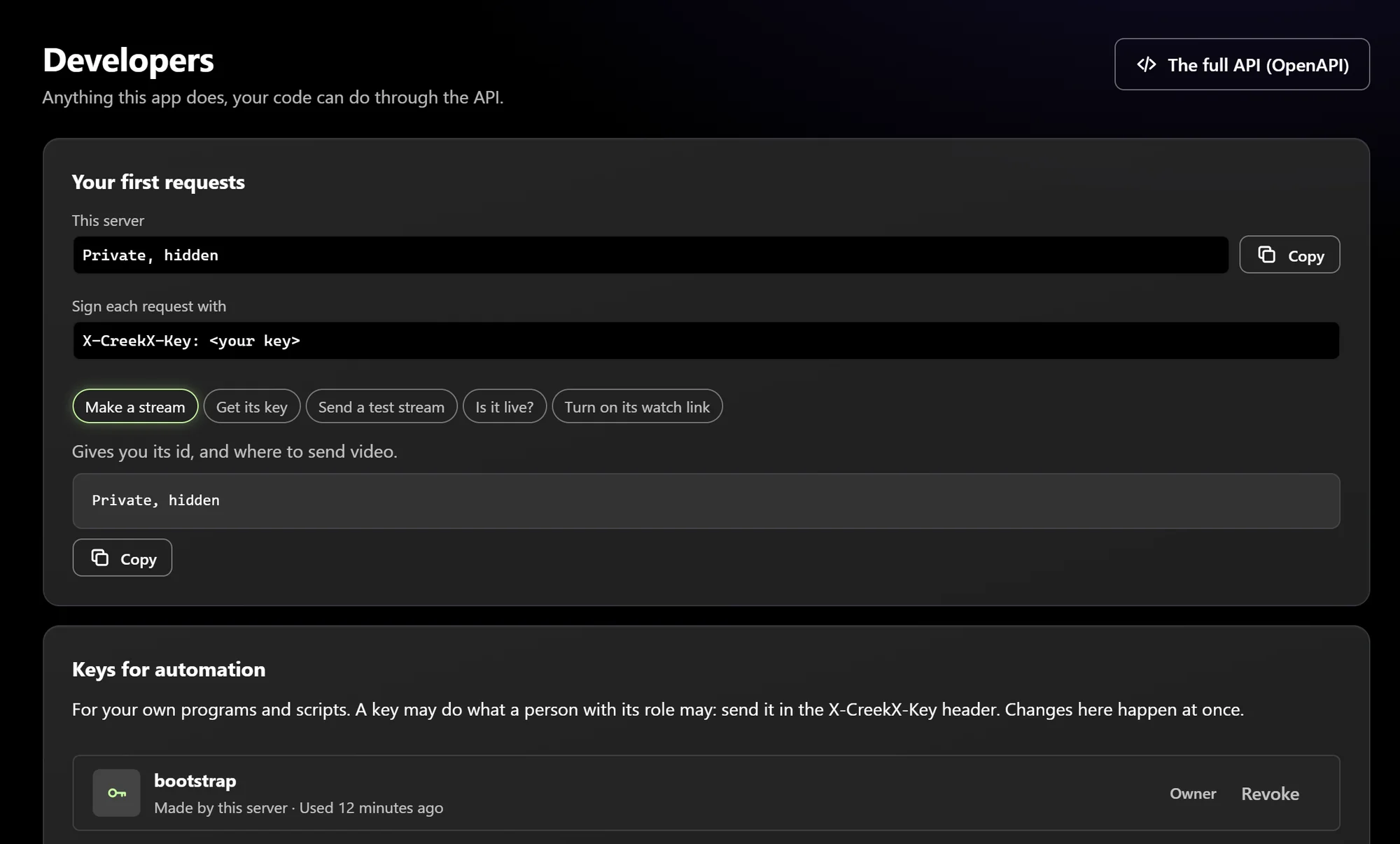
CreekX developers screen: first API requests and keys for automation, with secrets hidden
01technical brief

Choose the integration path

REST API

Every CreekX server publishes its OpenAPI 3.1 document at /openapi.json. Use it to inspect the operations your version exposes. For each operation you plan to use, check its documented path, method, credentials, request fields and responses. The API quick start walks through the first calls.

Webhooks

The keys and webhooks guide covers the event names, what your receiver needs to do and how to keep credentials separate. Check the event names and payload fields there before deciding which notifications your integration can use.

Viewer and stream approval

CreekX can ask your system for approval before a stream starts or a viewer plays it. If your system does not answer, access is refused. This supports access decisions made outside CreekX.

Single sign-on

OpenID Connect single sign-on is separate from the REST API. It can use an organisation's identity provider, including its own two-factor authentication policy. SAML is not supported, and CreekX testing so far has used a test identity provider.

Your streams.
Your code.

Create streams, connect encoders and automate your workflow through the REST API and webhooks.

Use your own hostname and API key. Find the OpenAPI document at /openapi.json on your own server.

Authenticate · REST API
# Bash on your administration machine. Use your own HTTPS server.
CREEKX='https://live.example.com/v1'
read -r -s -p 'API key: ' KEY; printf '\n'
curl --fail-with-body --silent --show-error \
  -H "X-CreekX-Key: $KEY" "$CREEKX/streams"

X-CreekX-Key JSON / HTTP
02process

Before you build

  • Confirm that the operation or webhook event you need appears in the current reference.
  • Use only the documented request fields, payload fields and responses.
  • Do not assume webhook retry, signing or ordering behaviour unless the reference states it.
  • Test the integration against your own CreekX installation before relying on it in production.
  • Ask CreekX before proceeding if your integration depends on behaviour that is not documented.
03Scope & limitations

Access and security boundaries

CreekX supports API keys and the owner, admin, operator and viewer roles. The current API definition is the authority for the credentials and access requirements of a specific operation. Stream keys, camera passwords and other stored credentials are sealed with AES-256-GCM and are not written to logs.

  • Viewer protection can use signed watch links, one-time viewer tokens, IP allow-lists and blocks.
  • An optional approval check can ask your system before a stream starts or a viewer plays.
  • Viewer connections and administrative actions can be recorded in logs kept on the customer's server.
  • CreekX has no formal security certification, independent penetration test or external audit.
04technical brief

Using the API in an offline deployment

CreekX runs on the customer's own server. Fully offline and air-gapped installations use an offline installation package and licence file supplied through CreekX. The standard 14-day trial installer needs internet access during installation, so speak to CreekX first if the target server cannot connect to the internet.

05document list

Related CreekX guidance

Use these pages when the integration decision also depends on playback formats, viewer access, deployment security or operational support.

Streaming protocols

Check the supported ingest and delivery paths before connecting cameras, encoders or players.

Viewer access control

Review protected links, viewer tokens, external approval checks and viewer logs.

Security and privacy

Review encryption, access control, logging, offline operation and the current assurance boundaries.

Support

Find installation guidance, documentation and the available support routes.

06Your next step

Evaluate the API on your own server

The 14-day CreekX Media Server trial requires no credit card and includes the REST API and webhooks. The installer needs internet access during installation. The CreekX Cameras portal and the fully offline installation package are not included in the self-serve trial.

Follow the build