
RTSP to WebRTC: an IP camera in the browser in under a second
To play an RTSP camera in a browser, a server pulls the RTSP stream and republishes it over WebRTC (WHEP). If the camera sends H.264 without B-frames, the video passes through untouched and the browser is about 0.5 s behind real time; with B-frames it has to be re-encoded, which costs CPU per camera and adds delay. Audio (AAC or G.711) is always transcoded to Opus, which is cheap.
The path from camera to browser
-
Pull. The server opens the camera's
rtsp://address (found by ONVIF discovery or typed in) and keeps reconnecting if the camera reboots. - Check. It looks at the first packets to see whether the video uses B-frames. This takes about 1.5 seconds: with B-frames, timestamps run backwards.
- Pass through, or convert. No B-frames: the H.264 picture goes to WebRTC untouched. B-frames: it must be re-encoded, which costs processor and adds delay.
- Audio. WebRTC carries Opus, so AAC or G.711 sound from the camera is always converted. That is cheap.
Turn off B-frames in the camera
This is the single most useful setting. Most cameras call it B-frames, GOP structure or offer an H.264 profile: Baseline has no B-frames. Also pick a keyframe (I-frame) interval of 1 to 2 seconds, so a new viewer does not wait long for the first picture. H.265 cameras are best switched to H.264: browser support for H.265 over WebRTC is patchy.
What it costs per camera
When the picture is passed through, each camera costs very little. In a 100-camera run on an 8-core cloud server, recording all of them used 22% of the processor, about 0.017 of a core per incoming stream. Viewers then cost network bandwidth rather than processor: a 4 Mbps camera costs 4 Mbps per person watching it. For the full arithmetic see how to size a streaming server.
Keep the cameras private
The server pulls the cameras on your local network. Only the server is reachable from outside, over https and encrypted WebRTC. Never port-forward a camera: their firmware ages badly and they end up on search engines for exposed devices. The full picture is in IP camera streaming server.
When WebRTC is not the right answer
Every WebRTC viewer is a live, encrypted session on the server. For a handful of operators, that is ideal. For a public audience of thousands, add HLS for the crowd (see low-latency HLS) and keep WebRTC for the people who need to react.
Doing it: pull a camera, or let it push
A camera that only offers an address to watch from is pulled. Give the
stream its rtsp:// address and the server fetches it and keeps retrying while
it is unreachable:
curl -X PATCH https://live.example.com/v1/streams/STREAM_ID \
  -H "X-CreekX-Key: YOUR-API-KEY" -H "content-type: application/json" \
  -d '{"pull":"rtsp://viewer:[email protected]:554/Streaming/Channels/101"}'
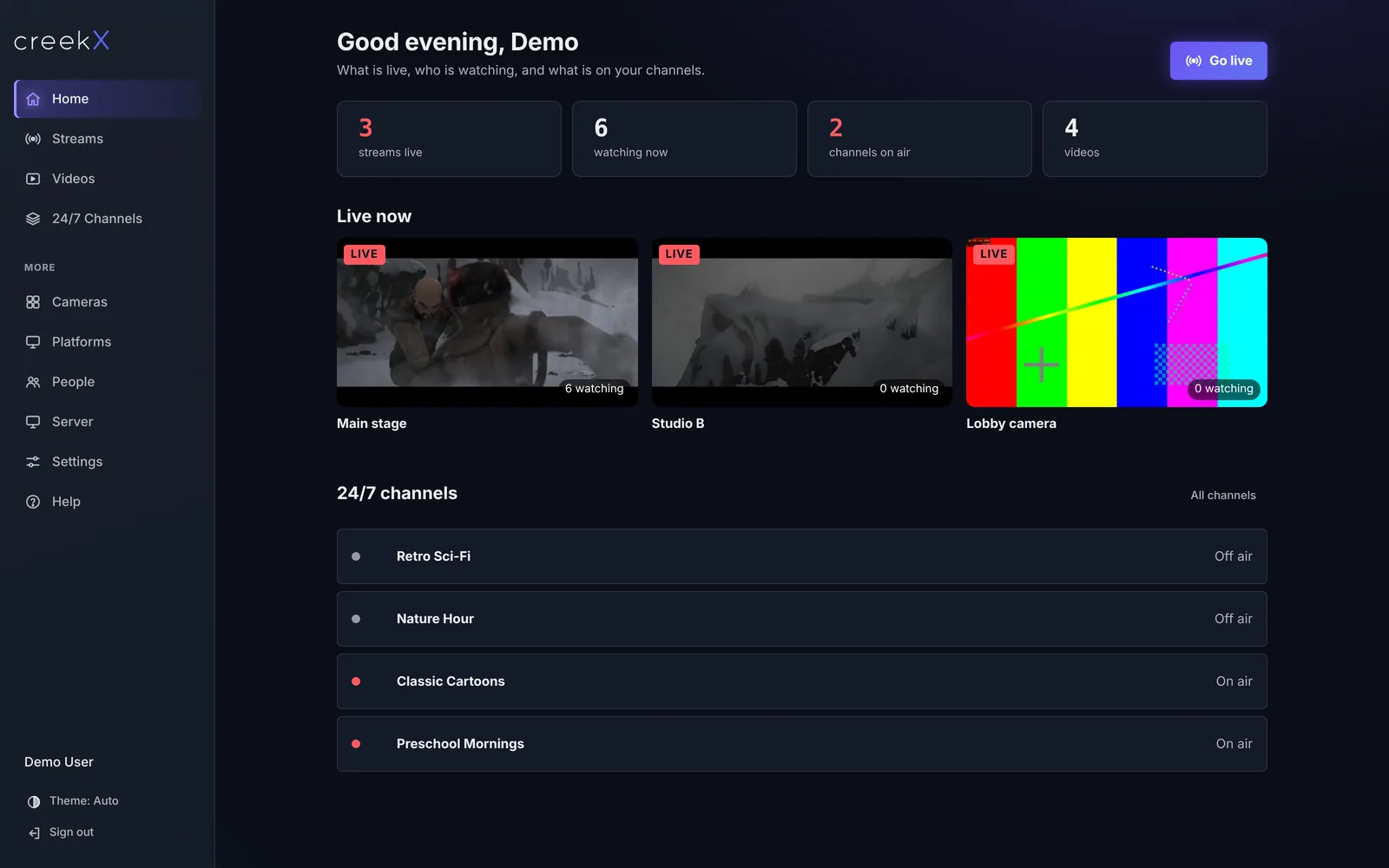
(The path after the port differs by brand; ONVIF discovery finds it for you.) An encoder that pushes RTSP sends to the stream's own address instead. This is the test source behind the colour bars above:
ffmpeg -re -f lavfi -i "testsrc2=size=1280x720:rate=25" -f lavfi -i "sine=frequency=440" \
  -c:v libx264 -tune zerolatency -g 30 -c:a aac \
  -rtsp_transport tcp -f rtsp "rtsp://perpetua:[email protected]:8554/live/STREAM_ID"
In creekX: choose Find cameras or paste an RTSP address; it pulls, reconnects, records and serves WebRTC and HLS. See creekX Cameras and the camera guide.
Frequently asked questions
How do I play an RTSP camera in a web browser?
Use a server that pulls the RTSP stream and republishes it as WebRTC (or HLS). The browser then plays it with a normal web player; the camera itself never faces the internet.
What latency does RTSP to WebRTC give?
Usually around half a second from camera to screen when no re-encoding is needed. Re-encoding, B-frames and a busy network add to it.
Why does my camera stream need transcoding for WebRTC?
Browsers will not play H.264 with B-frames over WebRTC, and WebRTC carries Opus audio rather than AAC or G.711. Turning B-frames off in the camera avoids video re-encoding entirely.